ActivityPub Server in a Single PHP File
https://shkspr.mobi/blog/2024/02/activitypub-server-in-a-single-file/
Any computer program can be designed to run from a single file if you architect it wrong enough!
I wanted to create the simplest possible Fediverse server which can be used as an educational tool to show how ActivityPub / Mastodon works.
The design goals were:
- Upload a single PHP file to the server.
- No databases or separate config files.
- Single Actor (i.e. not multi-user).
- Allow the Actor to be followed.
- Post plain-text messages to followers.
- Be roughly standards compliant.
And those goals have all been met! Check it out on GitLab. I warn you though, it is the nadir of bad coding. There are no tests, bugger-all security, scalability isn't considered, and it is a mess. But it works.
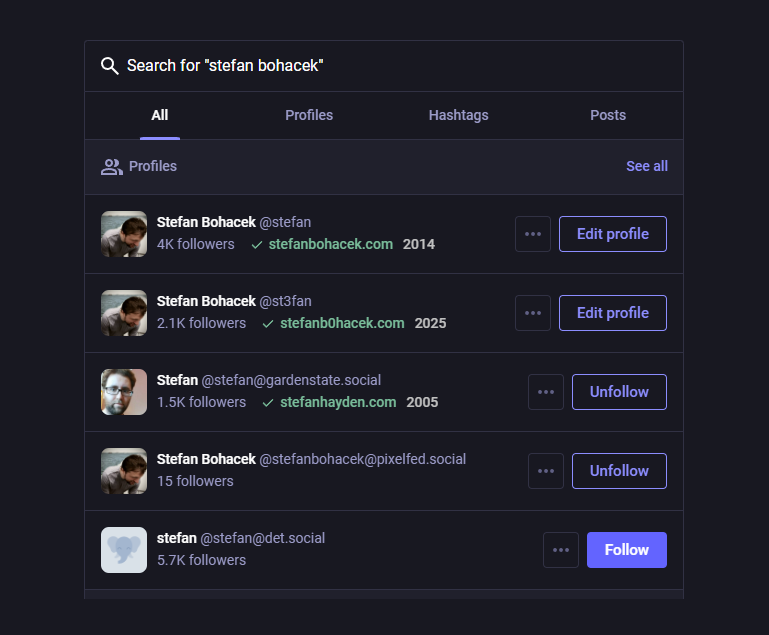
You can follow the test user @example@example.viii.fi
Firstly, I've slightly cheated on my "single file" stipulation. There's an .htaccess file which turns example.com/whatever into example.com/index.php?path=whatever
The index.php file then takes that path and does stuff. It also contains all the configuration variables which is very bad practice.
Rather than using a database, it saves files to disk.
Again, this is not suitable for any real world use. This is an educational tool to help explain the basics of posting messages to the Fediverse. It requires absolutely no dependencies. You do not need to spin up a dockerised hypervisor to manage your node bundles and re-compile everything to WASM. Just FTP the file up to prod and you're done.
This is a quick ramble through the code. It is reasonably well documented, I hope.
This is where you set up your account's name and bio. You also need to provide a public/private keypair. The posting page is protected with a password that also needs to be set here.
 PHP
PHP // Set up the Actor's information $username = rawurlencode("example"); // Encoded as it is often used as part of a URl $realName = "E. Xample. Jr."; $summary = "Some text about the user."; $server = $_SERVER["SERVER_NAME"]; // Domain name this is hosted on // Generate locally or from https://cryptotools.net/rsagen // Newlines must be replaced with "\n" $key_private = "-----BEGIN RSA PRIVATE KEY-----\n...\n-----END RSA PRIVATE KEY-----"; $key_public = "-----BEGIN PUBLIC KEY-----\n...\n-----END PUBLIC KEY-----"; // Password for sending messages $password = "P4ssW0rd";
ActivityPub is a "chatty" protocol. This takes all the requests your server receives and saves them in /logs/ as a datestamped text file.
PHP // Get all headers and requests sent to this server $headers = print_r( getallheaders(), true ); $postData = print_r( $_POST, true ); $getData = print_r( $_GET, true ); $filesData = print_r( $_FILES, true ); $body = json_decode( file_get_contents( "php://input" ), true ); $bodyData = print_r( $body, true ); $requestData = print_r( $_REQUEST, true ); $serverData = print_r( $_SERVER, true ); // Get the type of request - used in the log filename if ( isset( $body["type"] ) ) { $type = " " . $body["type"]; } else { $type = ""; } // Create a timestamp in ISO 8601 format for the filename $timestamp = date( "c" ); // Filename for the log $filename = "{$timestamp}{$type}.txt"; // Save headers and request data to the timestamped file in the logs directory if( ! is_dir( "logs" ) ) { mkdir( "logs"); } file_put_contents( "logs/{$filename}", "Headers: \n$headers \n\n" . "Body Data: \n$bodyData \n\n" . "POST Data: \n$postData \n\n" . "GET Data: \n$getData \n\n" . "Files Data: \n$filesData \n\n" . "Request Data:\n$requestData\n\n" . "Server Data: \n$serverData \n\n" );
The .htaccess changes /whatever to /?path=whateverThis runs the function of the path requested.
PHP !empty( $_GET["path"] ) ? $path = $_GET["path"] : die(); switch ($path) { case ".well-known/webfinger": webfinger(); case rawurldecode( $username ): username(); case "following": following(); case "followers": followers(); case "inbox": inbox(); case "write": write(); case "send": send(); default: die(); }
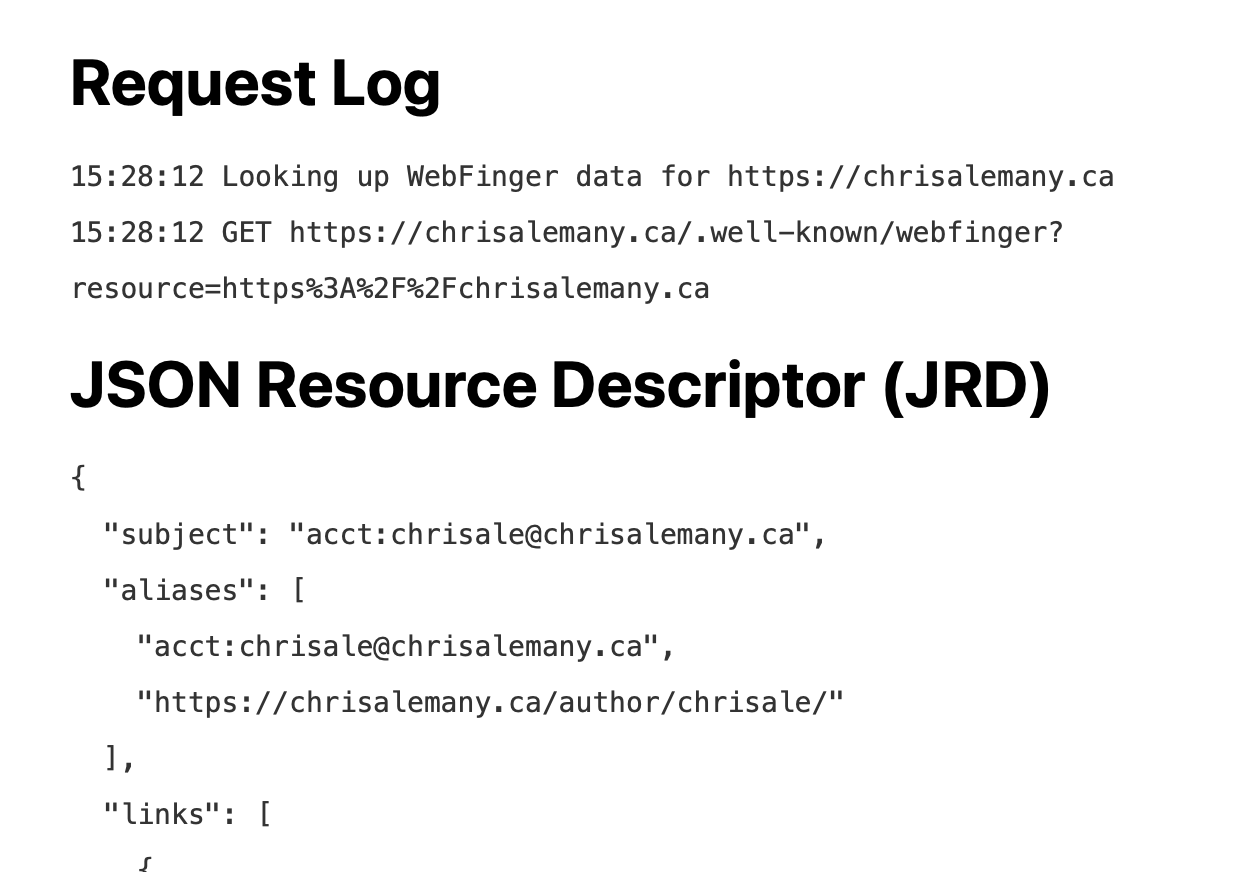
The WebFinger Protocol is used to identify accounts.It is requested with example.com/.well-known/webfinger?resource=acct:username@example.comThis server only has one user, so it ignores the query string and always returns the same details.
PHP function webfinger() { global $username, $server; $webfinger = array( "subject" => "acct:{$username}@{$server}", "links" => array( array( "rel" => "self", "type" => "application/activity+json", "href" => "https://{$server}/{$username}" ) ) ); header( "Content-Type: application/json" ); echo json_encode( $webfinger ); die(); }
Requesting example.com/username returns a JSON document with the user's information.
PHP function username() { global $username, $realName, $summary, $server, $key_public; $user = array( "@context" => [ "https://www.w3.org/ns/activitystreams", "https://w3id.org/security/v1" ], "id" => "https://{$server}/{$username}", "type" => "Person", "following" => "https://{$server}/following", "followers" => "https://{$server}/followers", "inbox" => "https://{$server}/inbox", "preferredUsername" => rawurldecode($username), "name" => "{$realName}", "summary" => "{$summary}", "url" => "https://{$server}", "manuallyApprovesFollowers" => true, "discoverable" => true, "published" => "2024-02-12T11:51:00Z", "icon" => [ "type" => "Image", "mediaType" => "image/png", "url" => "https://{$server}/icon.png" ], "publicKey" => [ "id" => "https://{$server}/{$username}#main-key", "owner" => "https://{$server}/{$username}", "publicKeyPem" => $key_public ] ); header( "Content-Type: application/activity+json" ); echo json_encode( $user ); die(); }
These JSON documents show how many users are following / followers-of this account.The information here is self-attested. So you can lie and use any number you want.
PHPfunction following() { global $server; $following = array( "@context" => "https://www.w3.org/ns/activitystreams", "id" => "https://{$server}/following", "type" => "Collection", "totalItems" => 0, "items" => [] ); header( "Content-Type: application/activity+json" ); echo json_encode( $following ); die(); } function followers() { global $server; $followers = array( "@context" => "https://www.w3.org/ns/activitystreams", "id" => "https://{$server}/followers", "type" => "Collection", "totalItems" => 0, "items" => [] ); header( "Content-Type: application/activity+json" ); echo json_encode( $followers ); die(); }
The /inbox is the main server. It receives all requests. This server only responds to "Follow" requests.A remote server sends a follow request which is a JSON file saying who they are.This code does not cryptographically validate the headers of the received message.The name of the remote user's server is saved to a file so that future messages can be delivered to it.An accept request is cryptographically signed and POST'd back to the remote server.
PHP function inbox() { global $body, $server, $username, $key_private; // Get the message and type $inbox_message = $body; $inbox_type = $inbox_message["type"]; // This inbox only responds to follow requests if ( "Follow" != $inbox_type ) { die(); } // Get the parameters $inbox_id = $inbox_message["id"]; $inbox_actor = $inbox_message["actor"]; $inbox_host = parse_url( $inbox_actor, PHP_URL_HOST ); // Does this account have any followers? if( file_exists( "followers.json" ) ) { $followers_file = file_get_contents( "followers.json" ); $followers_json = json_decode( $followers_file, true ); } else { $followers_json = array(); } // Add user to list. Don't care about duplicate users, server is what's important $followers_json[$inbox_host]["users"][] = $inbox_actor; // Save the new followers file file_put_contents( "followers.json", print_r( json_encode( $followers_json ), true ) ); // Response Message ID // This isn't used for anything important so could just be a random number $guid = uuid(); // Create the Accept message $message = [ "@context" => "https://www.w3.org/ns/activitystreams", "id" => "https://{$server}/{$guid}", "type" => "Accept", "actor" => "https://{$server}/{$username}", "object" => [ "@context" => "https://www.w3.org/ns/activitystreams", "id" => $inbox_id, "type" => $inbox_type, "actor" => $inbox_actor, "object" => "https://{$server}/{$username}", ] ]; // The Accept is sent to the server of the user who requested the follow // TODO: The path doesn't *always* end with/inbox $host = $inbox_host; $path = parse_url( $inbox_actor, PHP_URL_PATH ) . "/inbox"; // Get the signed headers $headers = generate_signed_headers( $message, $host, $path ); // Specify the URL of the remote server's inbox // TODO: The path doesn't *always* end with /inbox $remoteServerUrl = $inbox_actor . "/inbox"; // POST the message and header to the requester's inbox $ch = curl_init( $remoteServerUrl ); curl_setopt( $ch, CURLOPT_RETURNTRANSFER, true ); curl_setopt( $ch, CURLOPT_CUSTOMREQUEST, "POST" ); curl_setopt( $ch, CURLOPT_POSTFIELDS, json_encode($message) ); curl_setopt( $ch, CURLOPT_HTTPHEADER, $headers ); $response = curl_exec( $ch ); // Check for errors if( curl_errno( $ch ) ) { file_put_contents( "error.txt", curl_error( $ch ) ); } curl_close($ch); die(); }
Every message sent should have a unique ID. This can be anything you like. Some servers use a random number.I prefer a date-sortable string.
PHP function uuid() { return sprintf( "%08x-%04x-%04x-%04x-%012x", time(), mt_rand(0, 0xffff), mt_rand(0, 0xffff), mt_rand(0, 0x3fff) | 0x8000, mt_rand(0, 0xffffffffffff) ); }
Every message that your server sends needs to be cryptographically signed with your Private Key.This is a complicated process. Please read "How to make friends and verify requests" for more information.
PHP function generate_signed_headers( $message, $host, $path ) { global $server, $username, $key_private; // Encode the message to JSON $message_json = json_encode( $message ); // Location of the Public Key $keyId = "https://{$server}/{$username}#main-key"; // Generate signing variables $hash = hash( "sha256", $message_json, true ); $digest = base64_encode( $hash ); $date = date( "D, d M Y H:i:s \G\M\T" ); // Get the Private Key $signer = openssl_get_privatekey( $key_private ); // Sign the path, host, date, and digest $stringToSign = "(request-target): post $path\nhost: $host\ndate: $date\ndigest: SHA-256=$digest"; // The signing function returns the variable $signature // https://www.php.net/manual/en/function.openssl-sign.php openssl_sign( $stringToSign, $signature, $signer, OPENSSL_ALGO_SHA256 ); // Encode the signature $signature_b64 = base64_encode( $signature ); // Full signature header $signature_header = 'keyId="' . $keyId . '",algorithm="rsa-sha256",headers="(request-target) host date digest",signature="' . $signature_b64 . '"'; // Header for POST reply $headers = array( "Host: {$host}", "Date: {$date}", "Digest: SHA-256={$digest}", "Signature: {$signature_header}", "Content-Type: application/activity+json", "Accept: application/activity+json", ); return $headers; }
This creates a basic HTML form. Type in your message and your password. It then POSTs the data to the /send endpoint.
PHP function write() { // Display an HTML form for the user to enter a message.echo <<< HTML<!DOCTYPE html><html lang="en-GB"> <head> <meta charset="UTF-8"> <title>Send Message</title> <style> *{font-family:sans-serif;font-size:1.1em;} </style> </head> <body> <form action="/send" method="post" enctype="multipart/form-data"> <label for="content">Your message:</label><br> <textarea id="content" name="content" rows="5" cols="32"></textarea><br> <label for="password">Password</label><br> <input type="password" name="password" id="password" size="32"><br> <input type="submit" value="Post Message"> </form> </body></html>HTML; die(); }
This takes the submitted message and checks the password is correct.It reads the followers.json file and sends the message to every server that is following this account.
PHP function send() { global $password, $server, $username, $key_private; // Does the posted password match the stored password? if( $password != $_POST["password"] ) { die(); } // Get the posted content $content = $_POST["content"]; // Current time - ISO8601 $timestamp = date( "c" ); // Outgoing Message ID $guid = uuid(); // Construct the Note // contentMap is used to prevent unnecessary "translate this post" pop ups // hardcoded to English $note = [ "@context" => array( "https://www.w3.org/ns/activitystreams" ), "id" => "https://{$server}/posts/{$guid}.json", "type" => "Note", "published" => $timestamp, "attributedTo" => "https://{$server}/{$username}", "content" => $content, "contentMap" => ["en" => $content], "to" => ["https://www.w3.org/ns/activitystreams#Public"] ]; // Construct the Message $message = [ "@context" => "https://www.w3.org/ns/activitystreams", "id" => "https://{$server}/posts/{$guid}.json", "type" => "Create", "actor" => "https://{$server}/{$username}", "to" => [ "https://www.w3.org/ns/activitystreams#Public" ], "cc" => [ "https://{$server}/followers" ], "object" => $note ]; // Create the context for the permalink $note = [ "@context" => "https://www.w3.org/ns/activitystreams", ...$note ]; // Save the permalink $note_json = json_encode( $note ); // Check for posts/ directory and create it if( ! is_dir( "posts" ) ) { mkdir( "posts"); } file_put_contents( "posts/{$guid}.json", print_r( $note_json, true ) ); // Read existing users and get their hosts $followers_file = file_get_contents( "followers.json" ); $followers_json = json_decode( $followers_file, true ); $hosts = array_keys( $followers_json ); // Prepare to use the multiple cURL handle $mh = curl_multi_init(); // Loop through all the severs of the followers // Each server needs its own cURL handle // Each POST to an inbox needs to be signed separately foreach ( $hosts as $host ) { $path = "/inbox"; // Get the signed headers $headers = generate_signed_headers( $message, $host, $path ); // Specify the URL of the remote server $remoteServerUrl = "https://{$host}{$path}"; // POST the message and header to the requester's inbox $ch = curl_init( $remoteServerUrl ); curl_setopt( $ch, CURLOPT_RETURNTRANSFER, true ); curl_setopt( $ch, CURLOPT_CUSTOMREQUEST, "POST" ); curl_setopt( $ch, CURLOPT_POSTFIELDS, json_encode($message) ); curl_setopt( $ch, CURLOPT_HTTPHEADER, $headers ); // Add the handle to the multi-handle curl_multi_add_handle( $mh, $ch ); } // Execute the multi-handle do { $status = curl_multi_exec( $mh, $active ); if ( $active ) { curl_multi_select( $mh ); } } while ( $active && $status == CURLM_OK ); // Close the multi-handle curl_multi_close( $mh ); // Render the JSON so the user can see the POST has worked header( "Location: https://{$server}/posts/{$guid}.json" ); die(); }
This is not intended to be used in production. Ever. But if you would like to contribute more simple examples of how the protocol works, please come and play on GitLab.
You can follow the test user @example@example.viii.fi
#activitypub #mastodon #php











































 の話をするとき、つい「マニアックな SNS やってまして〜」みたいな感じで話してしまう自分がいるんだけど、そう言ってしまいがちな自分に対して最近「別にそんなに過度に知名度に配慮しなくても良いよな」という気持ちになってきている。
 だし!」みたいな気持ちも心の奥底にはあるけど、そもそもオープンスタンダードという事の重要性も世の中的には「だからなに?」っていうひともいるだろうし、そういう思想強めなことを主張したいわけではなくて、





































 )
)










 🦉🇪🇺
🦉🇪🇺


































 ✨
✨ 

































 には
には  のステッカーがあって、これだけのためにすでに LINE より Signal 使いたいきもちはあるのだけど、いかんせん近い友達に Signal ユーザーがいない悲しみ

















![Cassian [main]'s avatar](https://eldritchcafe.files.fedi.monster/accounts/avatars/000/056/817/original/9088716a64ce67fb.png)
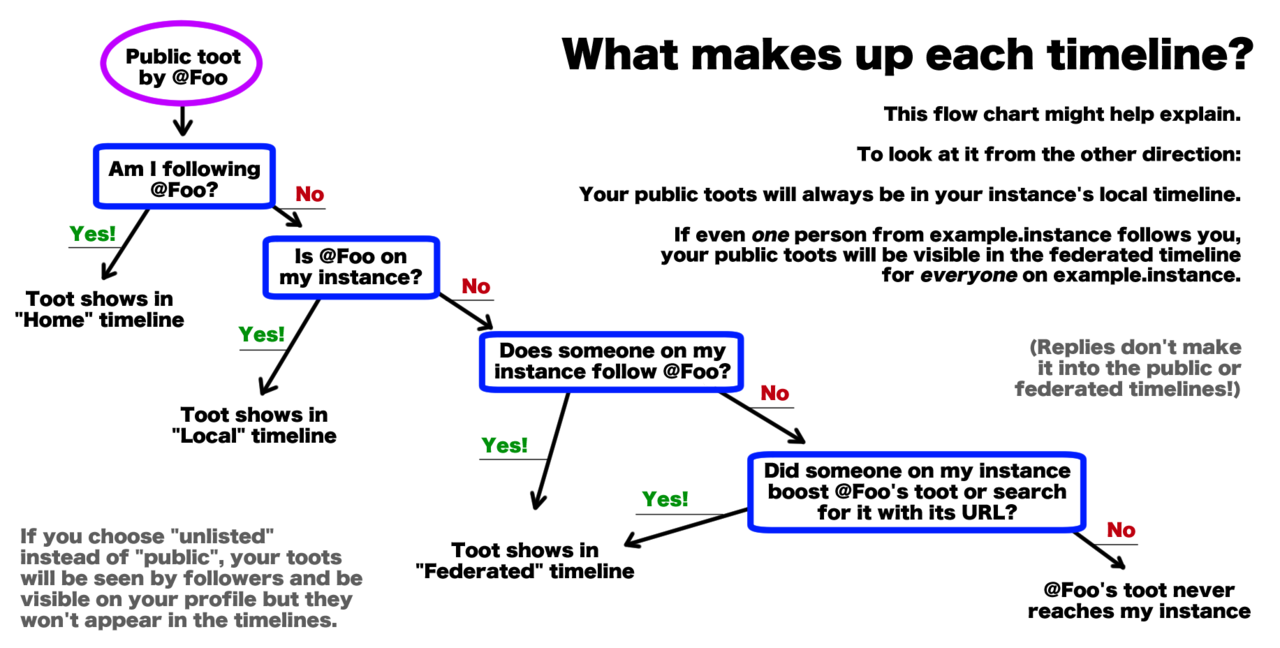



 みたいに流行り廃りとは多少距離を取りつつ、しっかり標準技術として世の中に生き残って欲しい


 ❤️ 🦣
❤️ 🦣 


 然り、もちろん



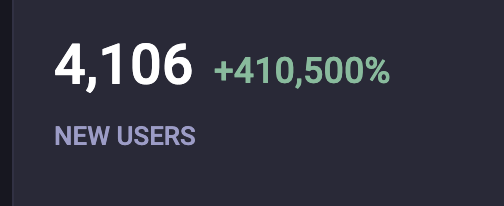








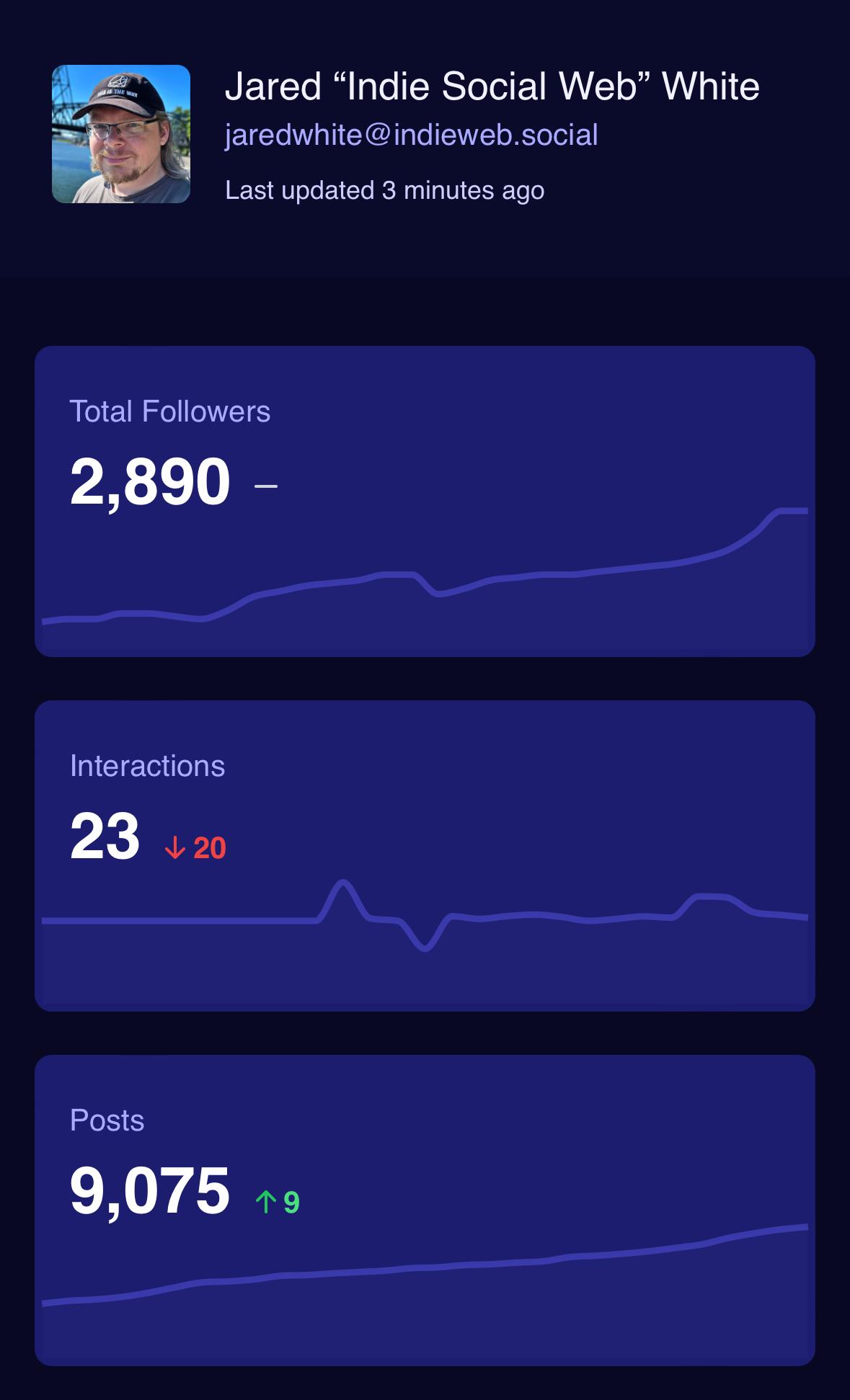
 📈 Alle Zahlen und Insights findet ihr hier:
















































































![Robert [KJ5ELX] :donor:'s avatar](https://media.infosec.exchange/infosec.exchange/accounts/avatars/115/833/042/784/456/710/original/6c4929fda05c7451.gif)



















































 a
a  ), chamando amiges e projetos ligados ao tema para participar, escrevendo a resto o seu blog, outras redes sociais, falando naquele privado, seja criativa
  É REAL, a sua ajuda REALMENTE faz a diferença, converse com esse pessoal e vamos trazê los para cá


























![utzer [Pleroma]'s avatar](https://soc.utzer.de/media/3688e8e93857738efec64301ae7c7b60a6994d19878790141f6682c6ae1a5584.jpg)



 💡
💡








 ). If my Mastodon instance admin decide to go crazy or just be forced by state to ban all Russians — well, when I simply migrate to another server, without this madness.







































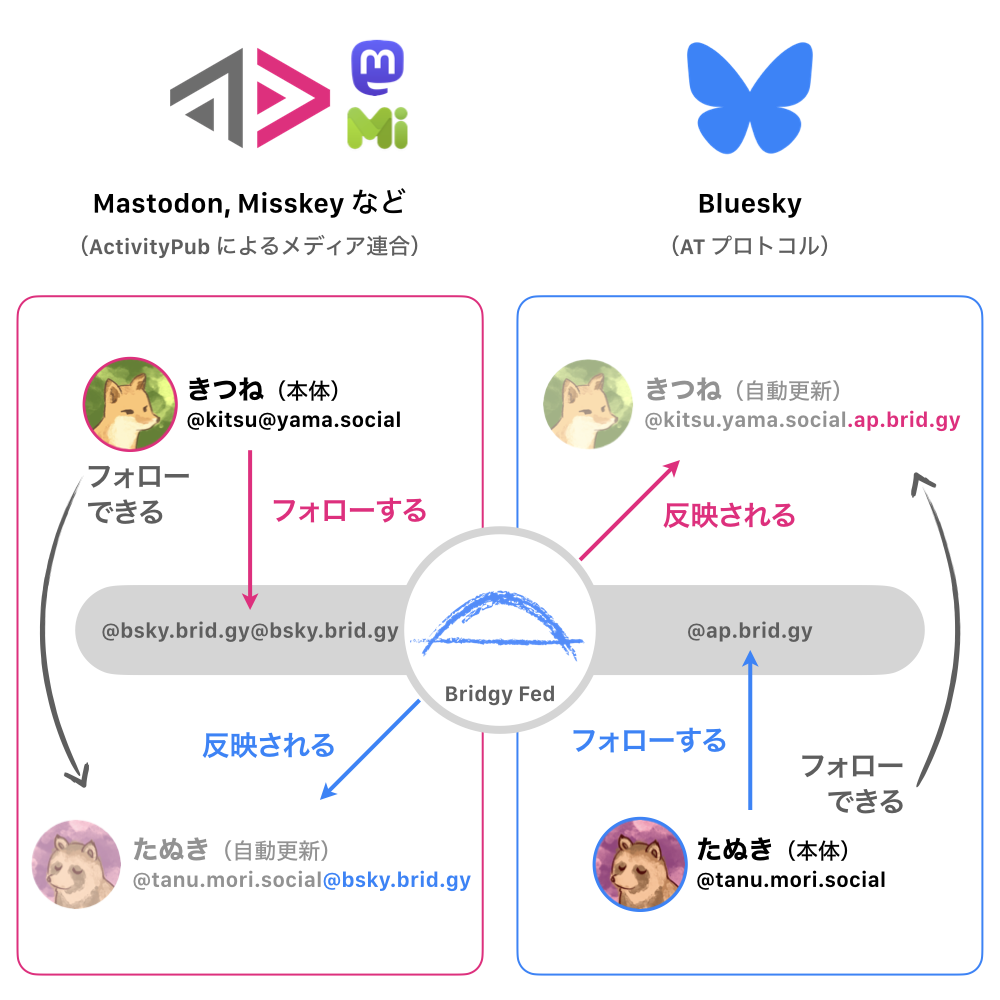
 (Technically Fedi uses WebFinger/the email schema under the hood from the last example and the double @'s are just user-facing in order to trigger the inline username lookup, but meh, I'm including it.)
 Then you're stuck making a subdomain for your username if you couldn't get a dedicated domain for it, so then it becomes
  It makes sense for ATProto because of how the DIDs work, but it's still not my favorite.






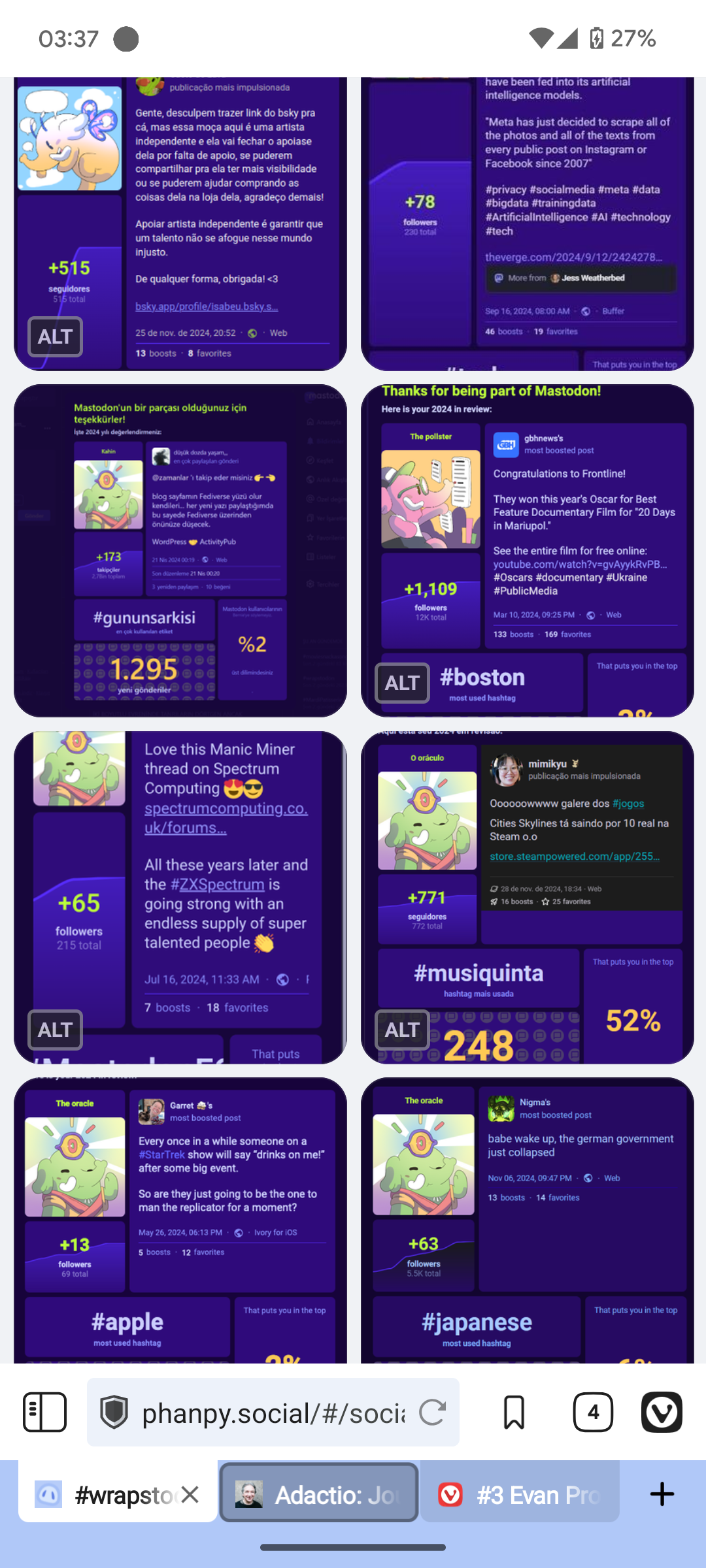
![This image is a screenshot of a Mastodon post from [@]cliffwade, dated June 7th. The post highlights statistics about when people originally joined Mastodon and/or the Fediverse, and the most used hashtag, as well as a description of the "archetype" of the account.
The post begins with the text: “When did you ORIGINALLY join Mastodon and/or the Fediverse? If you don’t remember when you joined, simply comment below and tell me! Please BOOST for maximum exposure to the #Fediverse”. Below that is a poll showing percentages for different years: 3% for 2016, 16% for 2017, 10% for 2018, 5% for 2019, 5% for 2020, 5% for 2021, 36% for 2022, 12% for 2023, 6% for 2024, and 3% for 2025. The poll has a note saying “Refresh: 4,212 people: Closed” and is tagged with #Polls and #POTD, and “and 6 more.”
Below the poll, a section states "MOST USED HASHTAG" and shows that [@]cliffwade included the hashtag #photography in 126 posts. Finally, a section titled "CLIFFMAS TREE 🌲'S ARCHETYPE" states “The Oracle” and describes the account as having created new posts more than replies, keeping Mastodon fresh and future-facing. A stylized image of a tree with a face appears to the left of this text.](https://media.infosec.exchange/infosec.exchange/media_attachments/files/115/728/612/312/780/298/original/9bfda23f1ddd6e85.png)










































 v4.5.3


































































































































 :
:





























![Syntax colored TypeScript source code:
import { parseHtml } from "@thi.ng/hiccup-html-parse";
import { serialize } from "@thi.ng/hiccup-markdown";
import { arrayZipper, type Location } from "@thi.ng/zipper";
// load a Mastodon status via API
const res = await (
await fetch("https://mastodon.thi.ng/api/v1/statuses/115464108396925195")
).json();
// parse HTML content into thing/hiccup format (nested JS arrays)
const parsed = parseHtml(res.content, {
whitespace: true,
ignoreAttribs: ["class"],
}).result!;
// structure of parsed example:
// [["p", {}, "text"], ["p", {}, ...], ...]
// recursively traverse result document/array using thi.ng/zipper
// and replace all <span> elements with their raw text body
let loc: Location<any> | undefined = arrayZipper(parsed);
while (loc) {
loc = loc.next;
if (Array.isArray(loc?.node) && loc?.node[0] == "span")
loc = loc.replace(loc.node[2]);
if (loc?.next == null) break;
}
// serialize hiccup to markdown
console. log(serialize(loc?.root, null));
/*
Result (in markdown format), omitted here due to alt text limits
*/](https://mastothing.files.fedi.monster/media_attachments/files/115/496/399/951/184/551/original/084463976214c3e5.png)
































 I'm the admin of The Gamers' Tavern and I was known as the Innkeeper


 Also, to newer folks curious about other servers,






















































![Mastodon Settings -> Public Profile -> Privacy
Privacy:
[unticked box] Show follows and followers on profile
People will be able to browse through your follows and followers. People that you follow will see that you follow them regardless.](https://media.rubber.social/media_attachments/files/115/364/983/136/787/079/original/875d1dc2f721cc12.png)
















































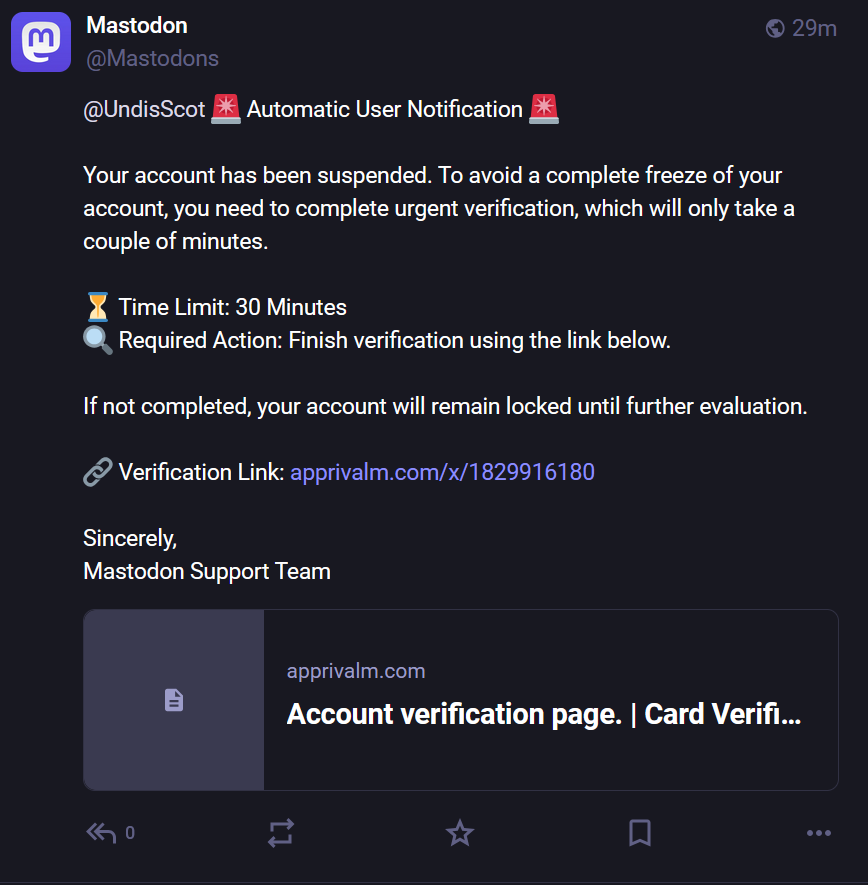
![A phishing post with a link for the unwary from a new so-called ‘Mastodon Team’ account. It reads “ Hello, dear Mastodon user! We've noticed your activity on our forum and are ready to offer you cooperation. To proceed, please complete the verification using the link that our assistant will send you below. [bad link] Once verified, you will be able to receive monthly payments from our company. Thank you for everything, Mastodon!”](https://cdn.tenforward.social/media_attachments/files/115/323/014/134/522/248/original/21a405b8faca2763.png)












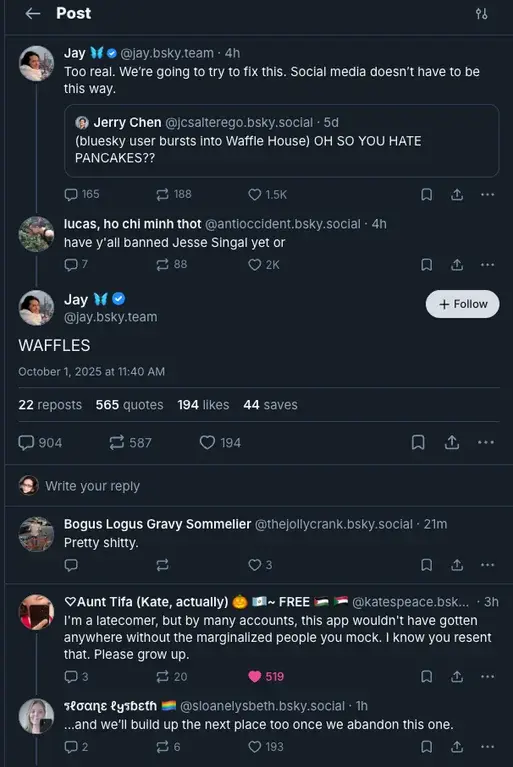
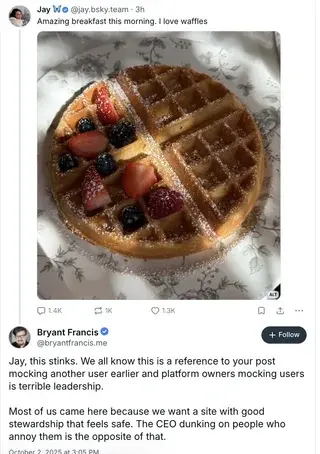






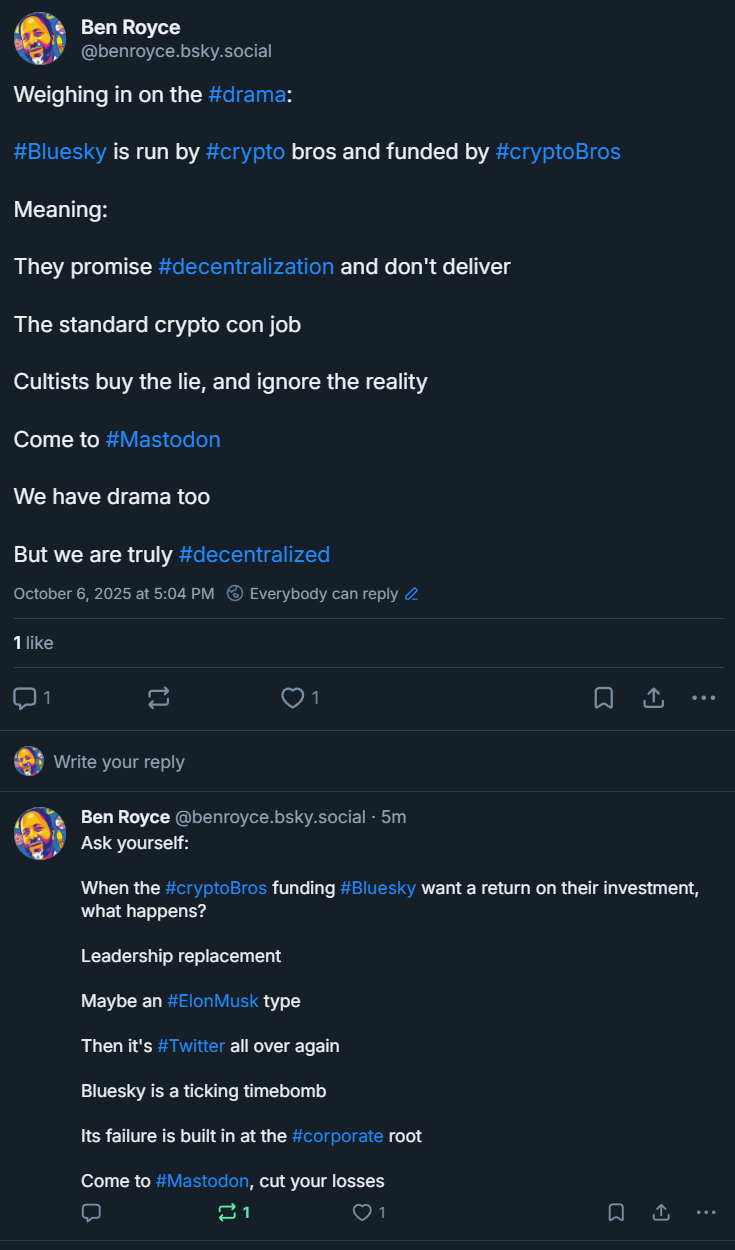
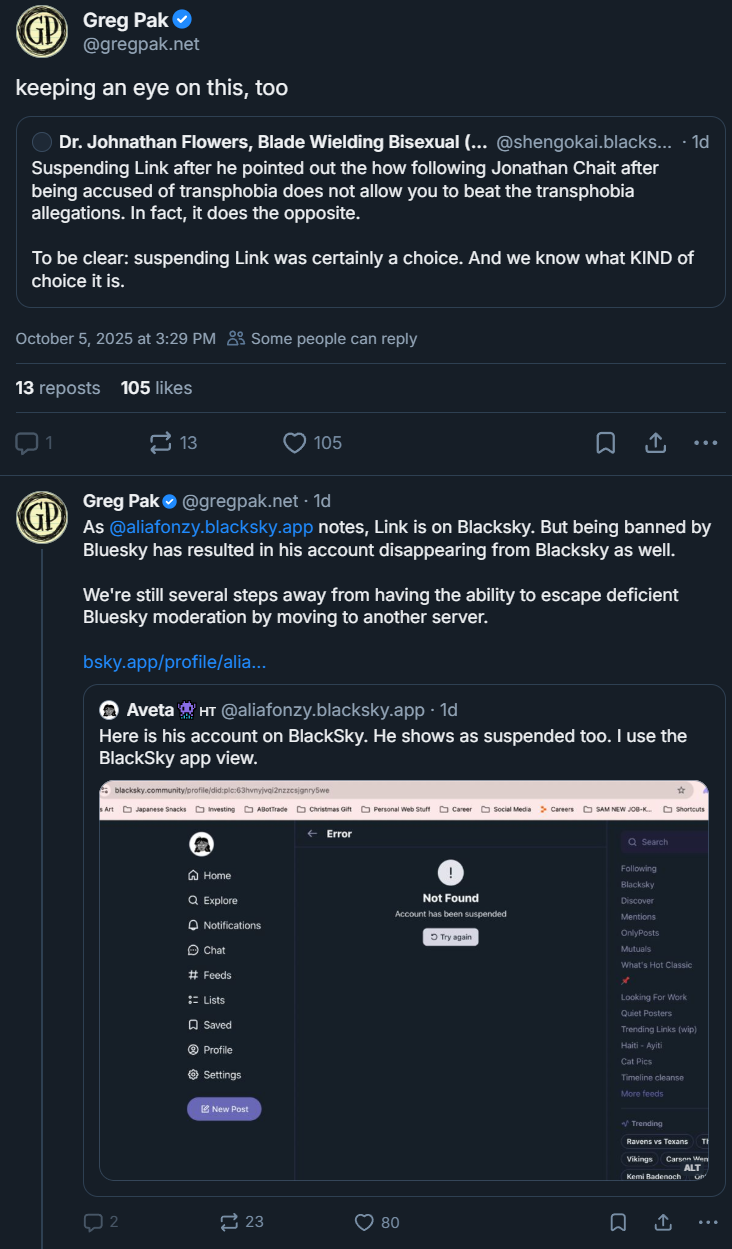
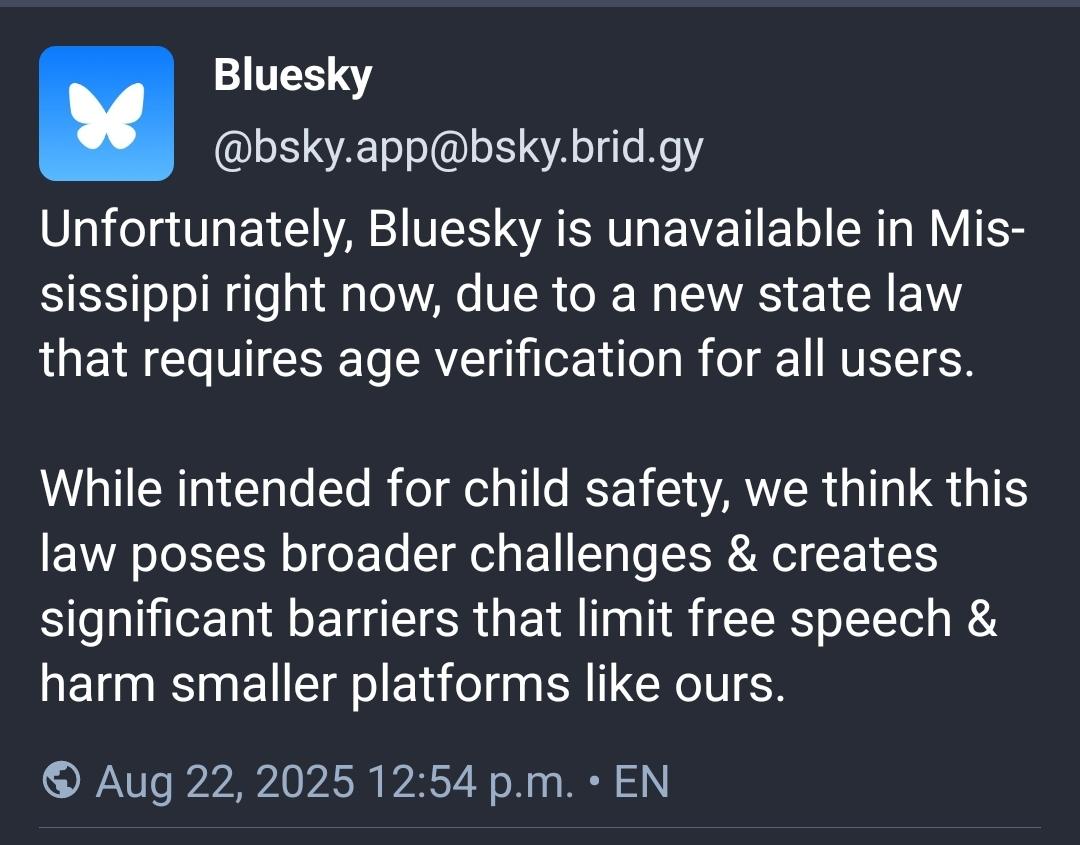
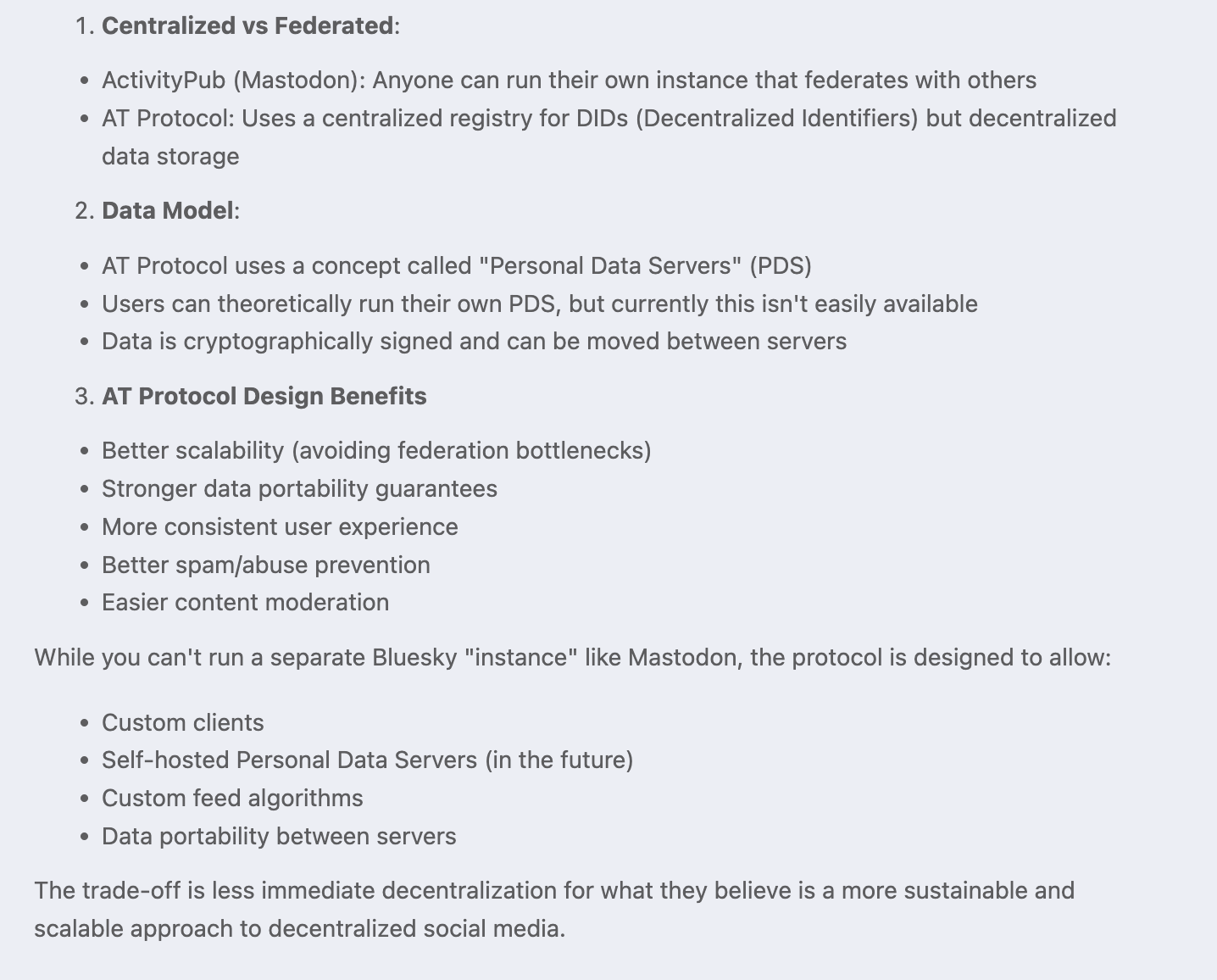
 It's built to make sure everyone's data is completely public so then it can be aggregated by centralized networks built from your data. While it can take in data from decentralized sources, the network itself (the interactions, the likes, the replies, the reposts) are all centralized to one network. It's why Bluesky feels so centralized despite claims to the contrary, because it is centralized. It's also why Bluesky will never have privacy controls, because it relies on everyone's data being completely public.
 That sucks.

















































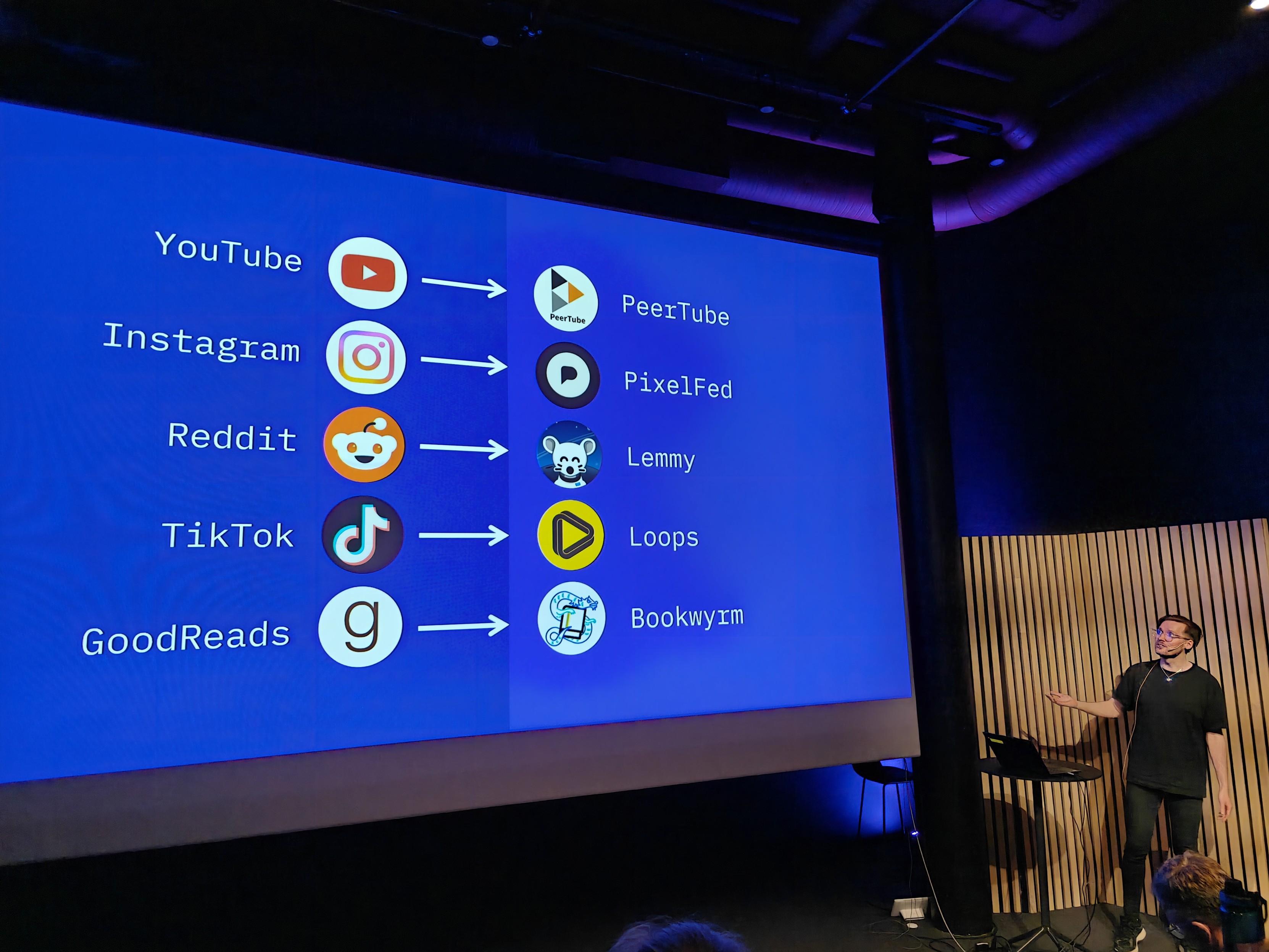
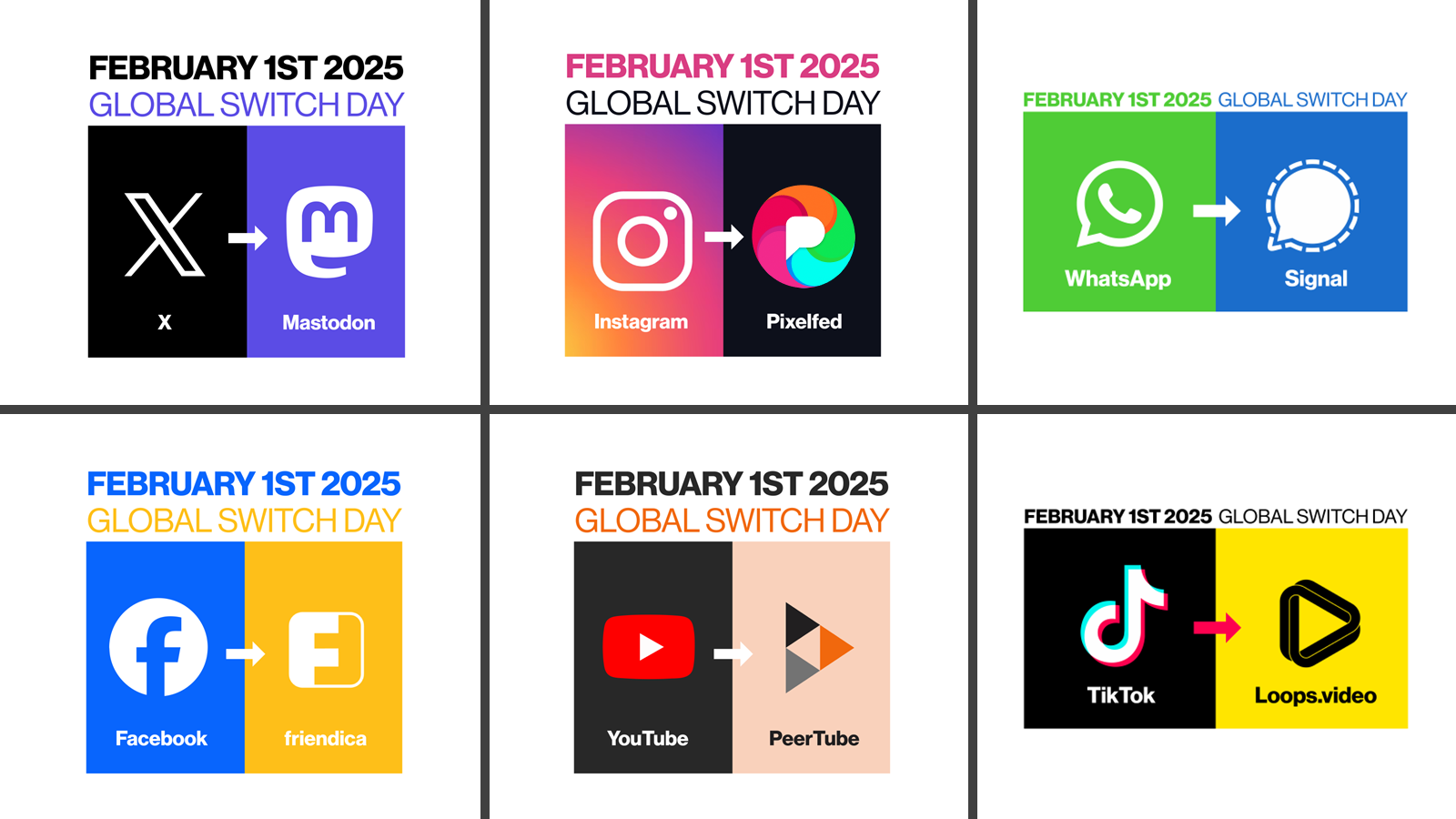
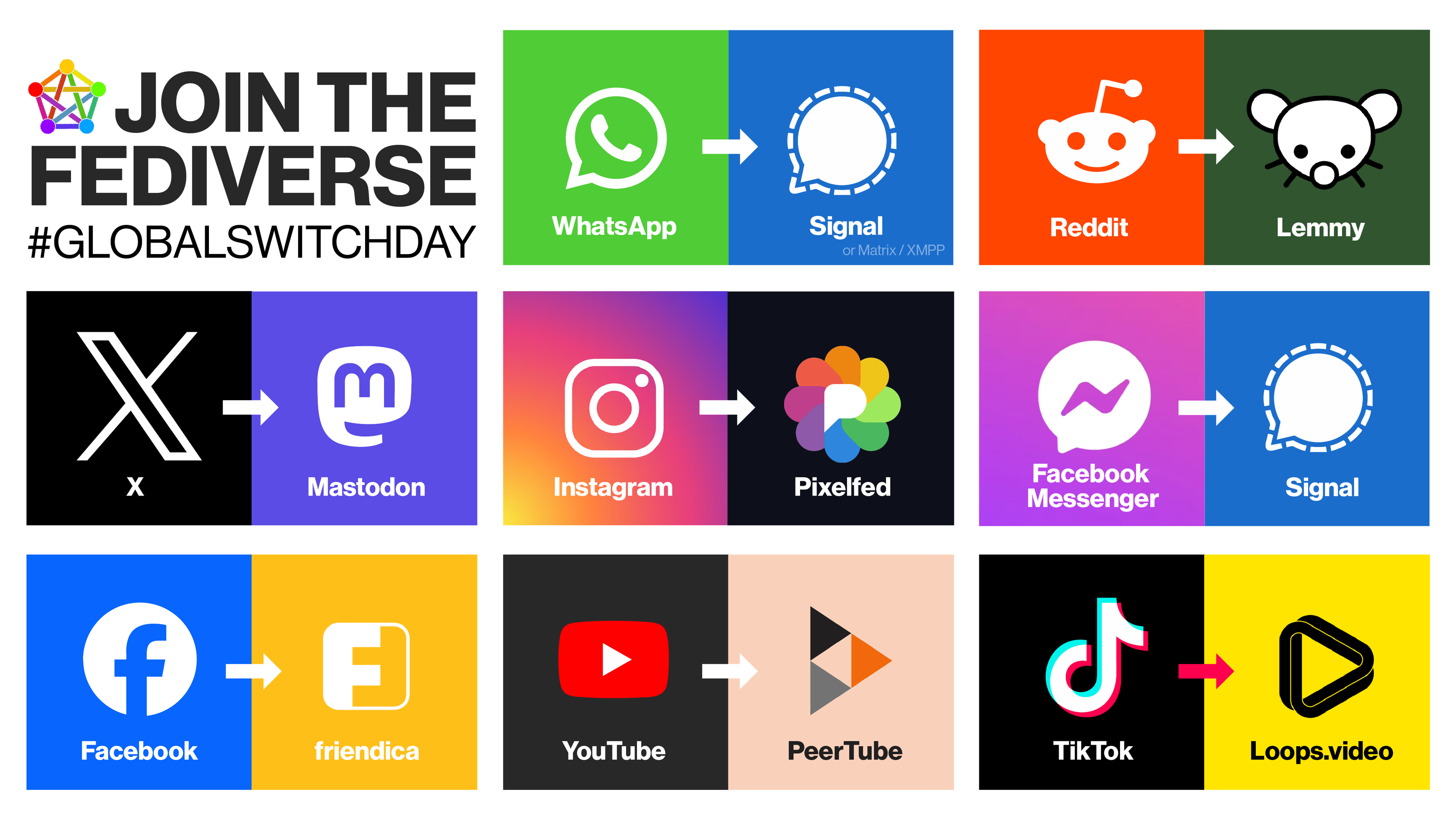
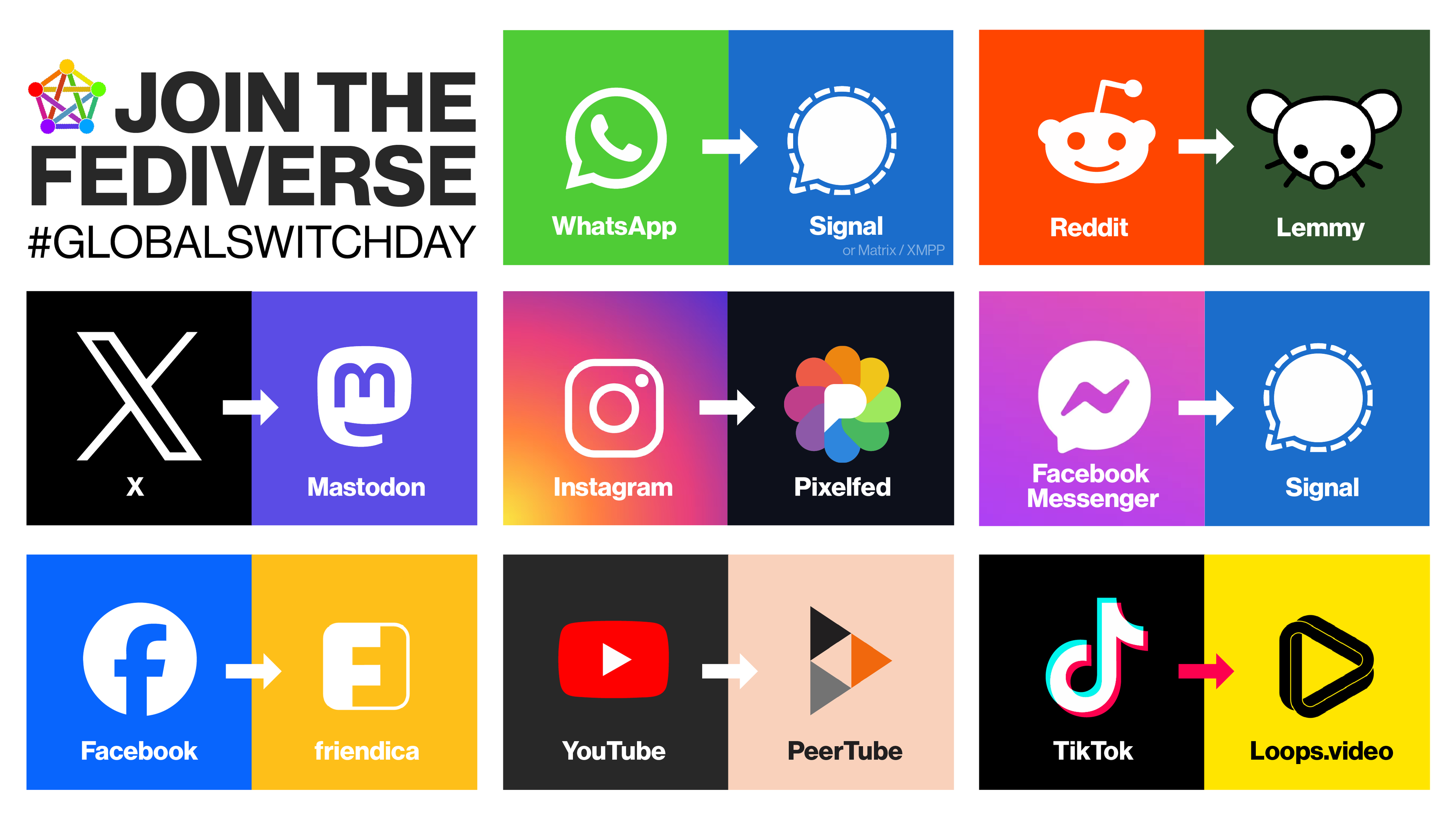
 , YouTube with
  , Reddit with Lemmy 🗨️
 It's a secure, private messenger with end-to-end encryption (E2EE) - actually, WhatsApp is based on Signal's protocol. I also use
  You should also replace Gmail - it's pure Big Tech. I use Protom Mail
  , but I'm thinking about switching to
 ,
,  - unfortunately, there's no universal way to switch to manual login. You have to check each service's settings one by one. Once you do, I recommend using a password manager that doesn't collect your metadata -
  For smartphone -















































 🍏 Welche App(s) würdet Ihr für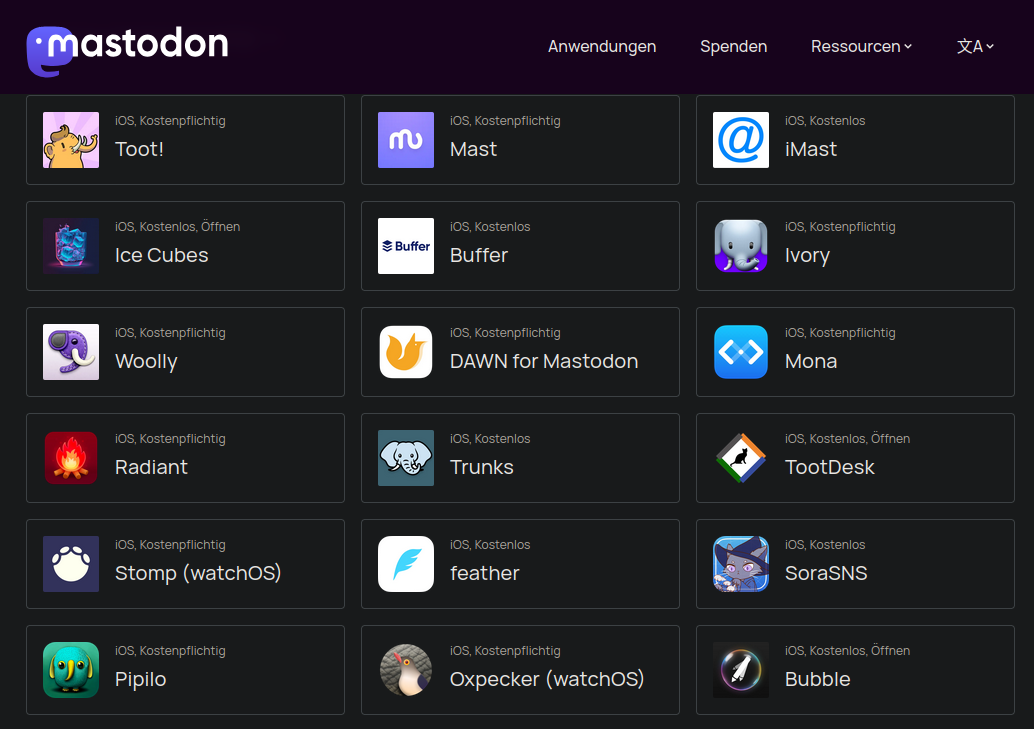



































 We've successfully upgraded our Mastodon server to v4.5.0-alpha.2+mementomods-2025-08-24.




















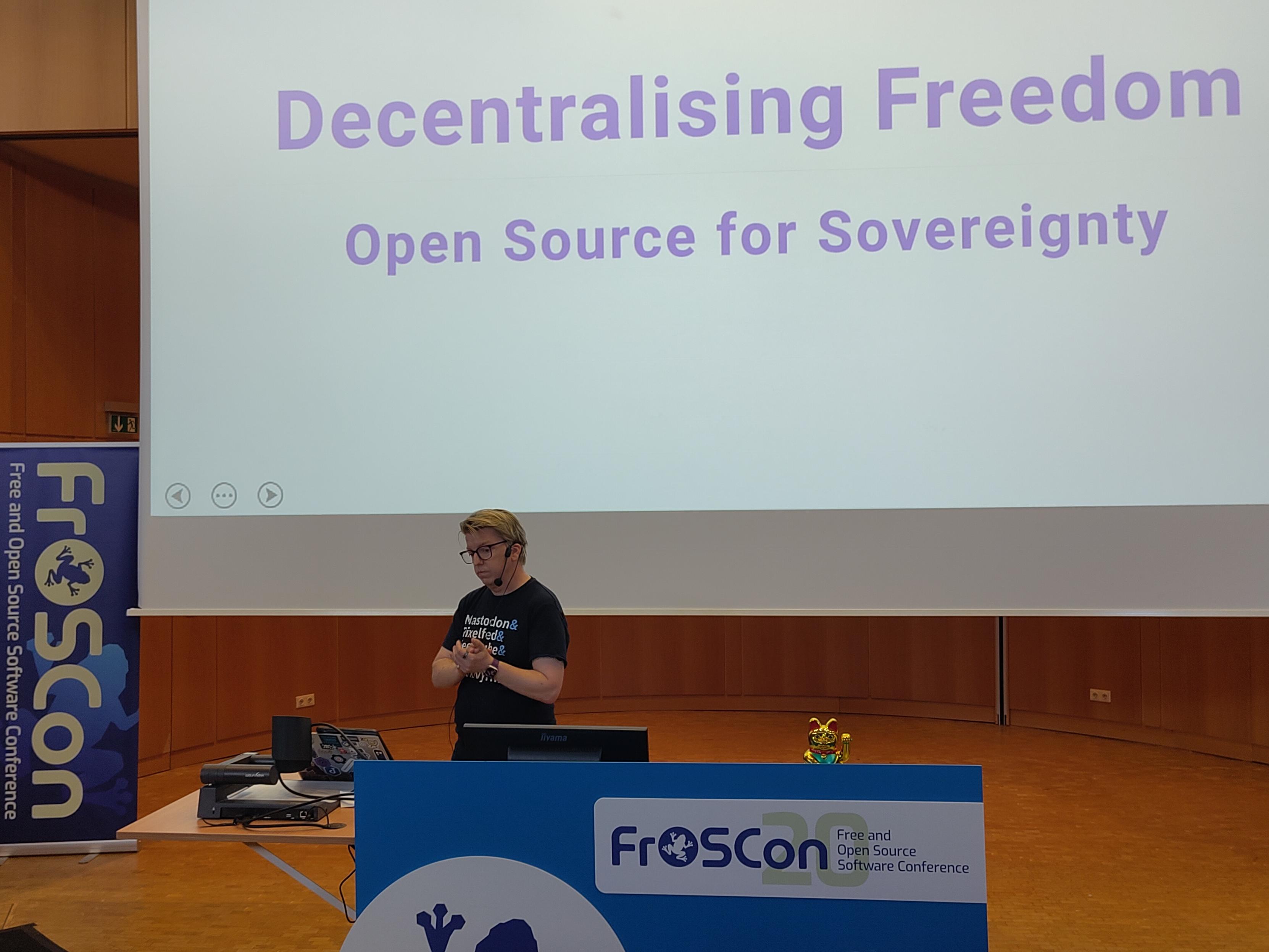

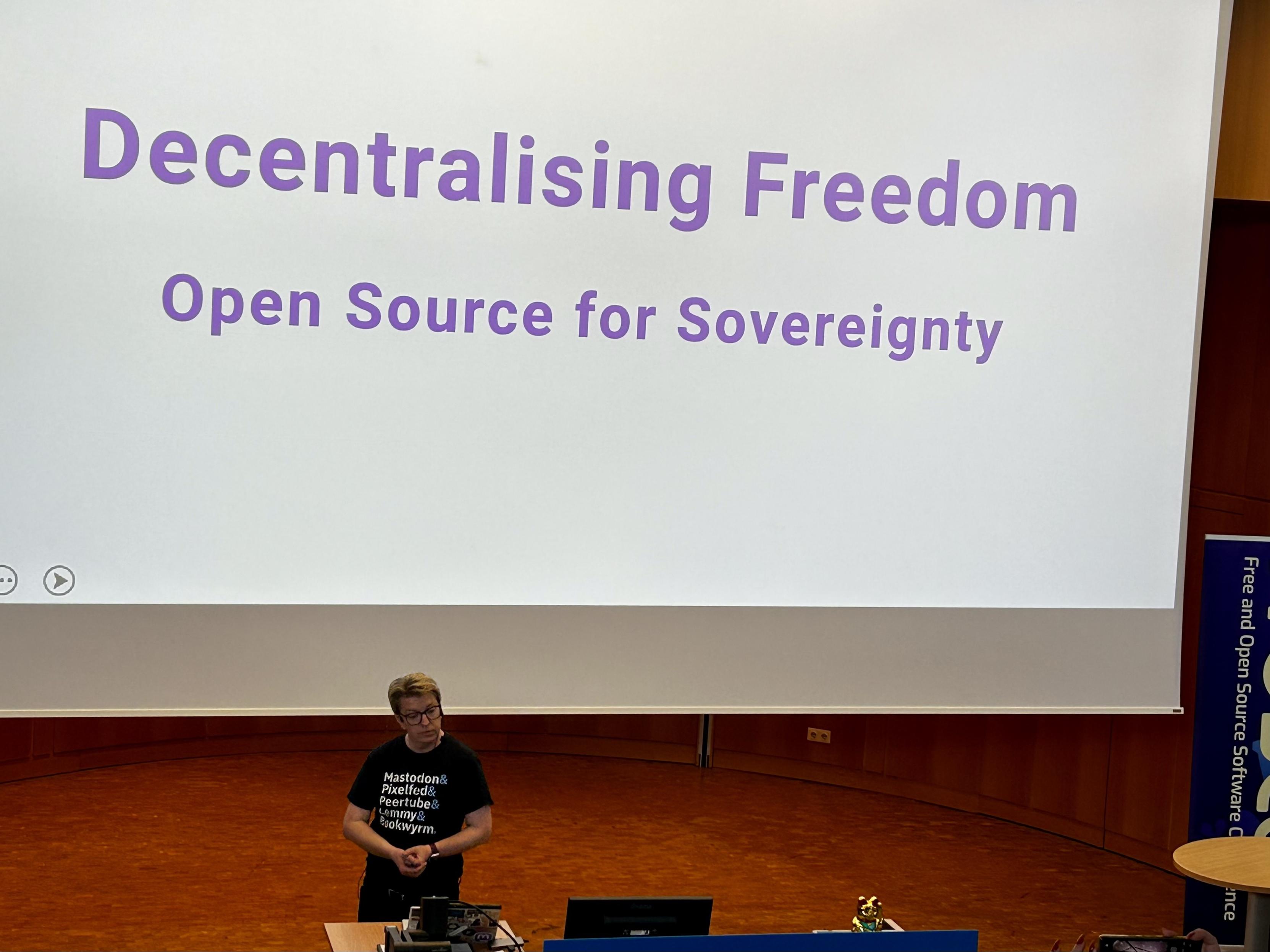












 Gerne boosten! Boost appreciated!











 っぽいアイコンはついてるように見えるけど













 (ʘ‿ʘ)
(ʘ‿ʘ)























































































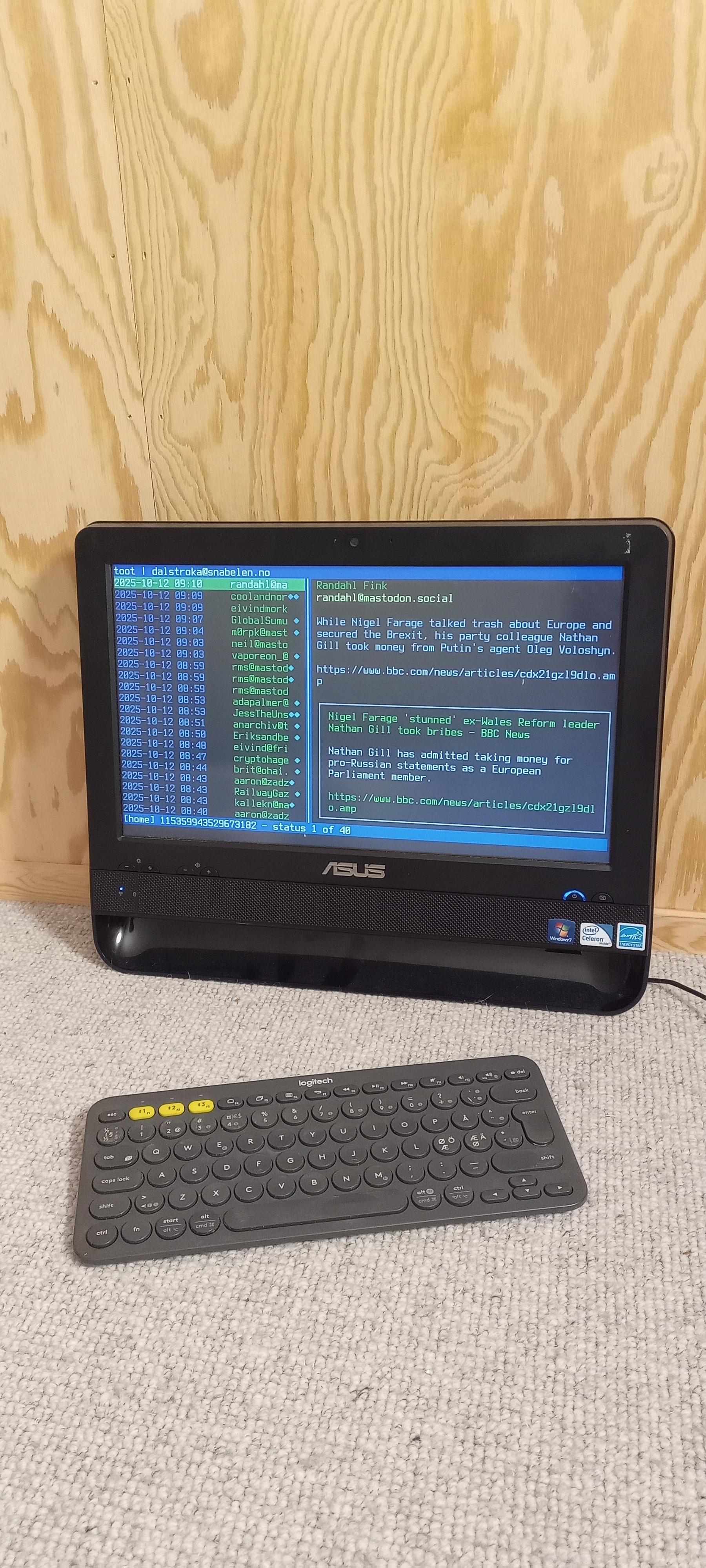
 上で動くMastodonクライアントあるのかなと調べてみたら作ってた人いたわ(昔Emacs上で動くTwitterクライアントもあったのよね)









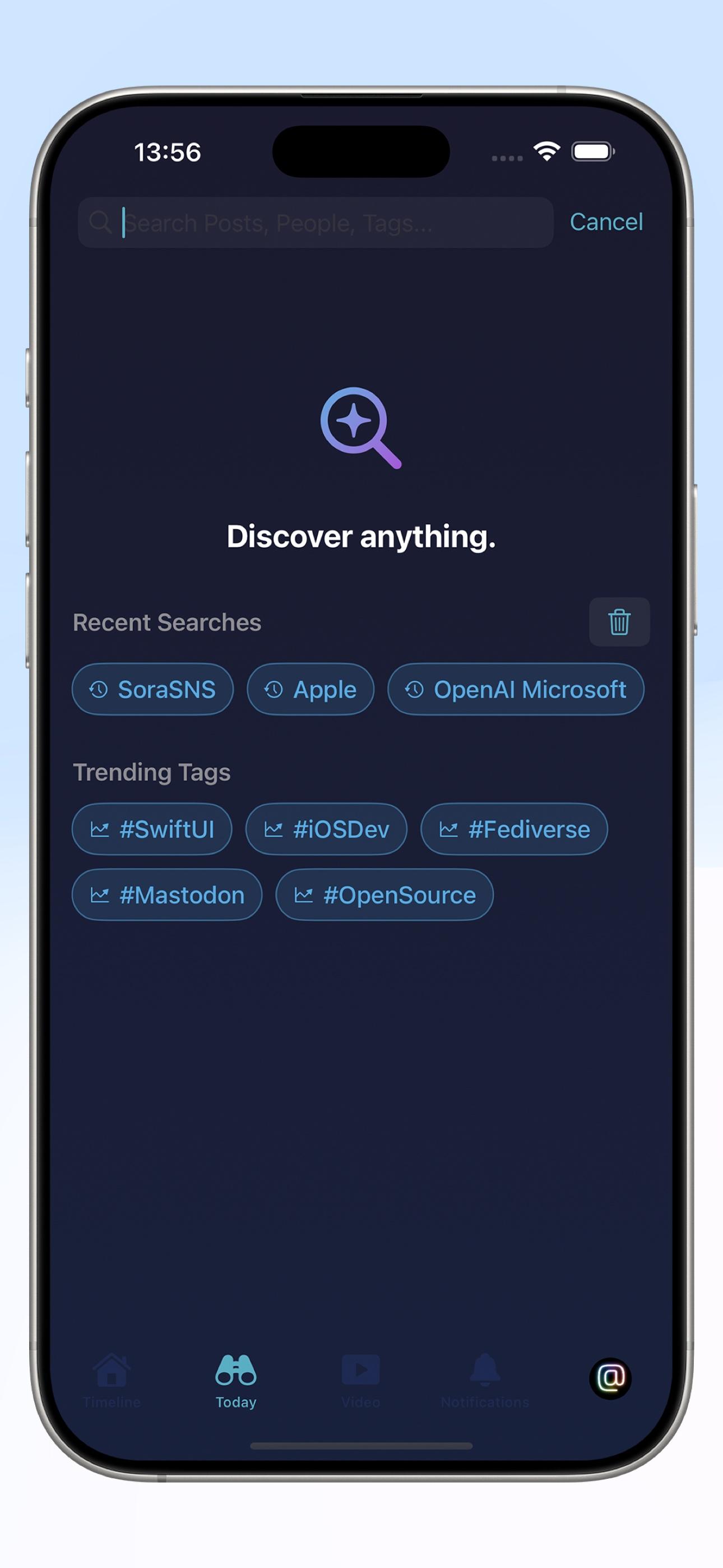
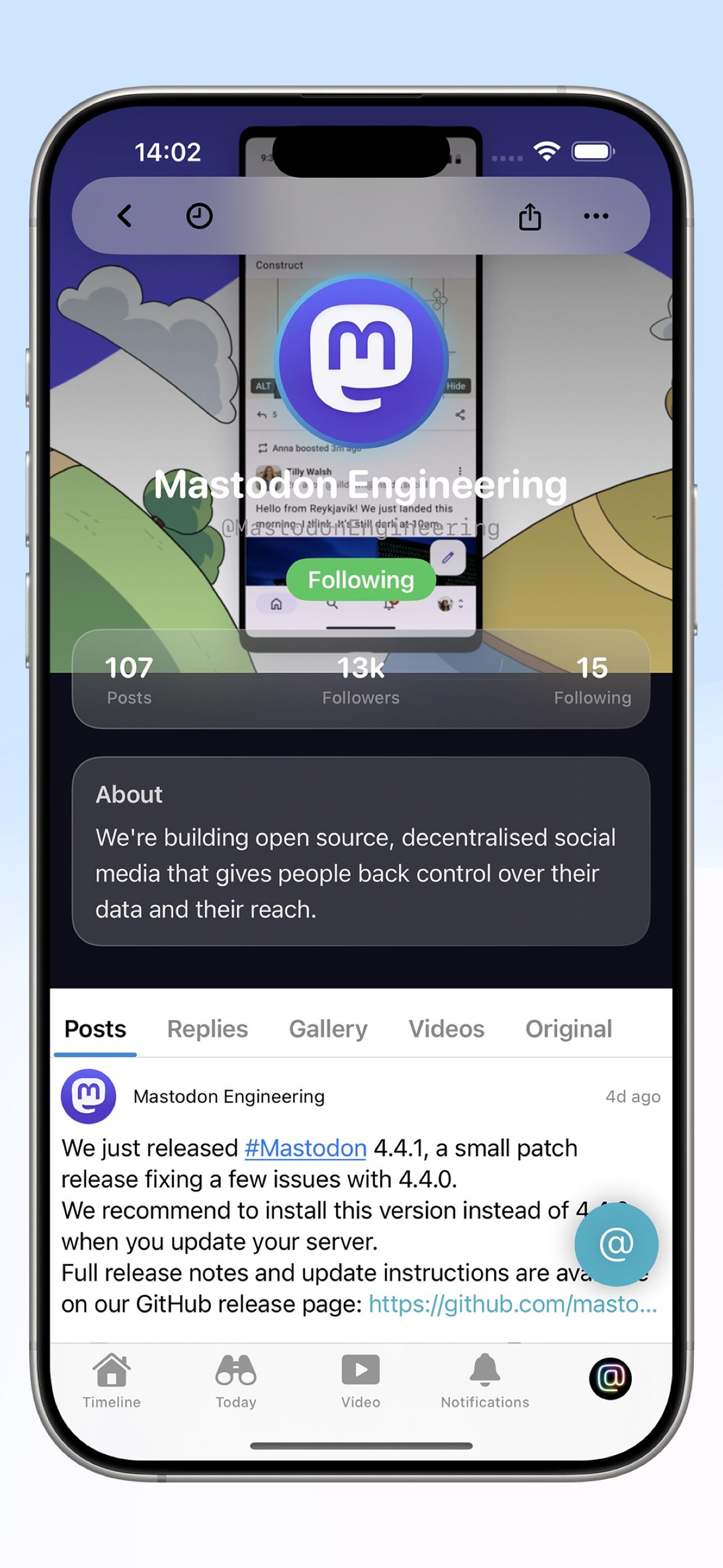
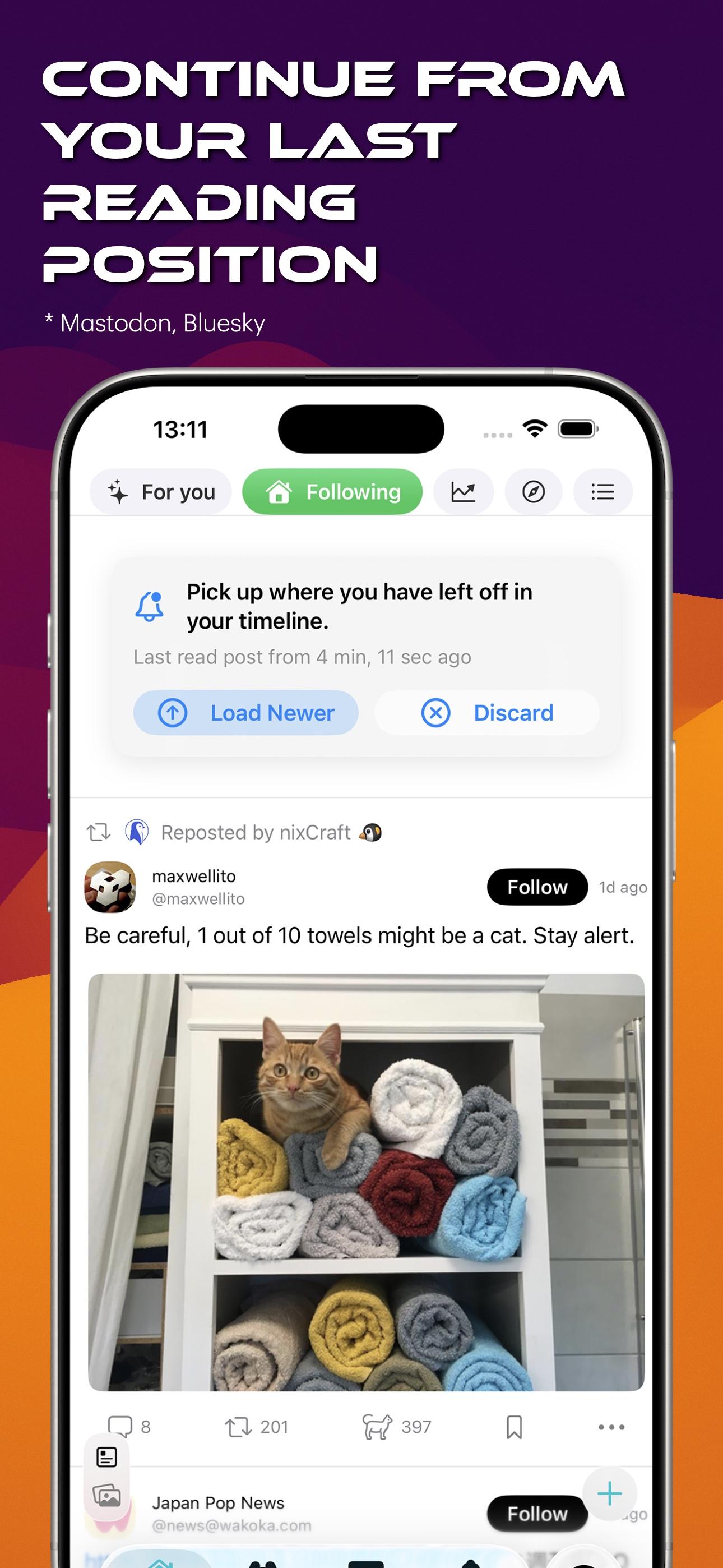
 and now it saves your timeline position for Mastodon and Bluesky.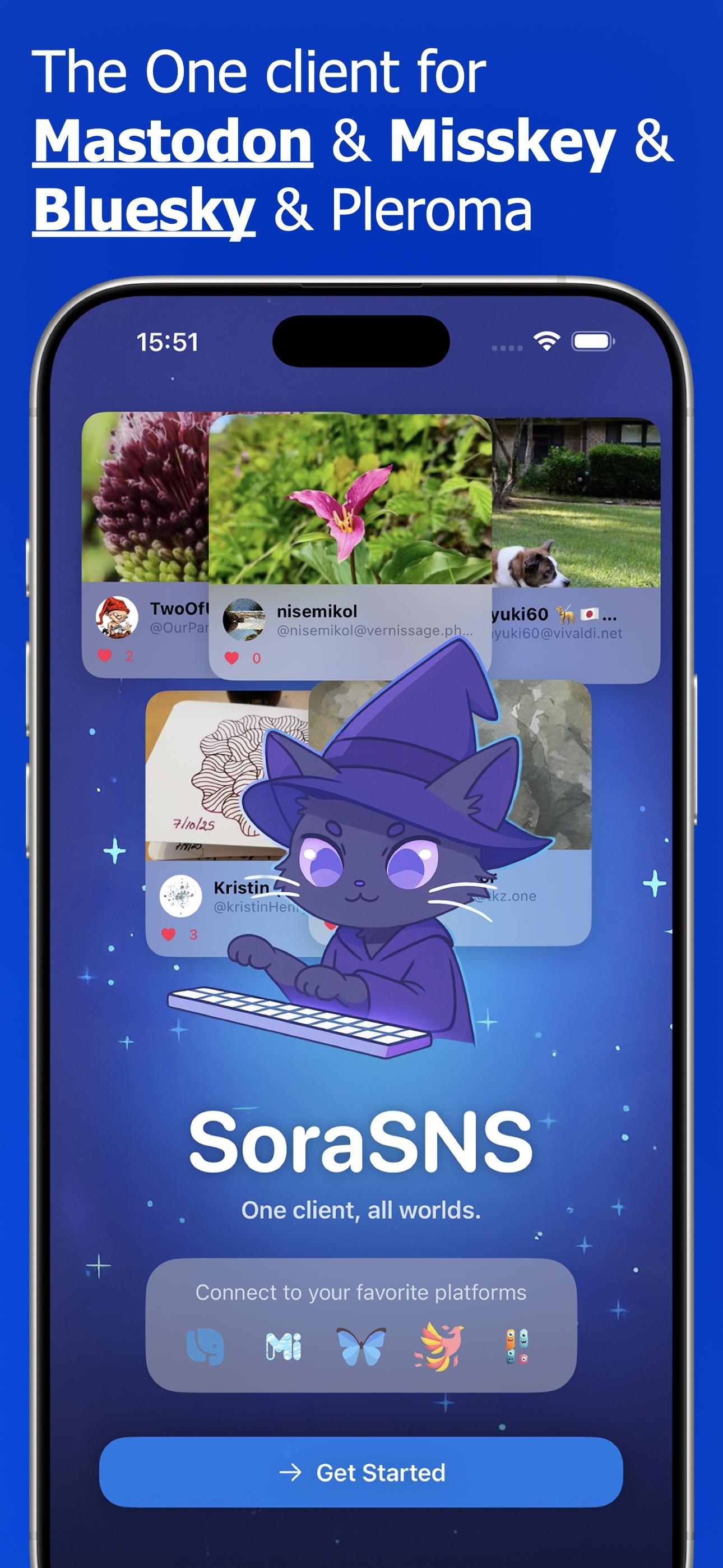



 mal durchprobiert, aber hängen geblieben bin ich letztendlich bei



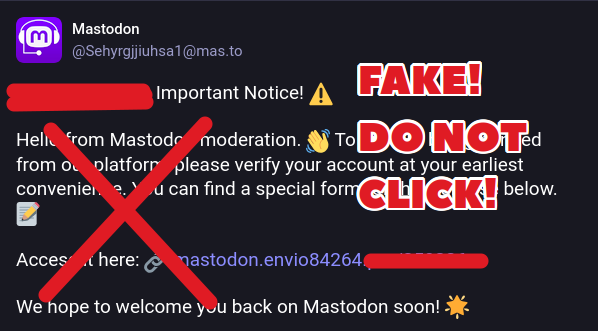
![The image features a warning about a potential scam on the Mastodon platform. The background is yellow with black diagonal stripes, and a large yellow triangle with an exclamation mark is prominently displayed at the top, indicating a warning. The text "SCAM ALERT" is written in bold black letters at the top of the image.
The main content is a screenshot of a social media notification from #16453 ([@]Mastodon_Moderator) to a user. The notification is:
"[⚠️ Important Notice]
Your account has been temporarily suspended for identity verification.
We’re reaching out manually to guide you through the required steps.
⚡️ Deadline: 12 hours
⚡️ Action Required: Complete the verification via the link below.
Failure to do so will result in your account remaining locked until further review.
🔗 Verification Link: https://mstd.id-83636.world/239101758
Best regards,
Mastodon Support Team"](https://files.hear-me.social/media_attachments/files/114/845/316/784/644/983/original/49246db7ce94c2bf.jpg)















 + notre Label
  en macarons pour afficher fièrement les couleurs coopératives dans vos toots/posts.
















































 FediLUG Italia



 ), prendete questo post come una riflessione sulla sua mastodontica ingombranza nel mondo




 , or feel free to DM or mention
 NME Japan























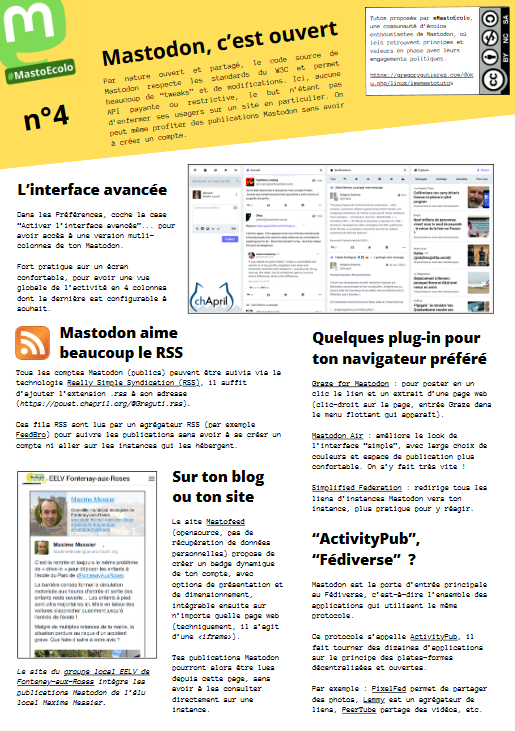
 Hey friends, a reminder that you can put this into your RSS feed app (replace it with correct values, obv) and it will grab the public feed of any account on Mastodon:



































 devs,
devs,






































 Succubard's Library



















 で、どんなに素敵なアカウントをフォローして、いかに自分のタイムラインを取り戻したか」みたいなことを(たとえ伝わらないとしても)発信したい気持ちがあった気がしていて、それがいまの












 We created an important issue and discussion about the problematic moderation behaviour of mastodon.social. Normally we do not interfere with the moderation of another server, but because most new users will end up on mastodon.social, we think it's of great importance for the Mastodon project to speak-out.











 #
# 

 や
や  、
、

























 向け
向け 








 バケツリレーして頂いてるからだとおもうのでありがたい(別に耳目を集めたくて投稿してるわけではないとしても)



 Mastdon may have just become the Left version of Twitter, just like


















































 みたいなことが最後に書いてある(っぽい。おれの英語力いわく)




















































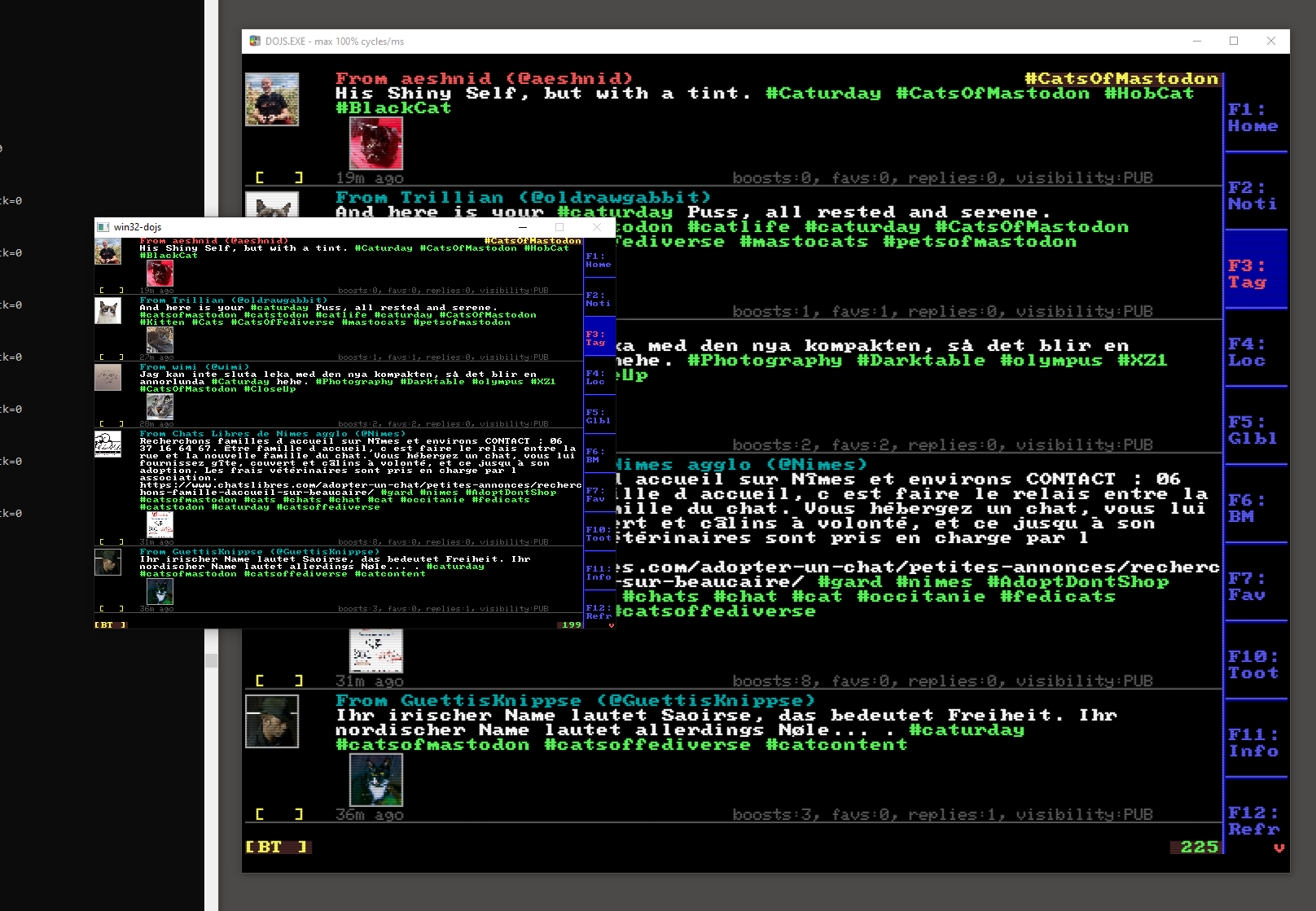
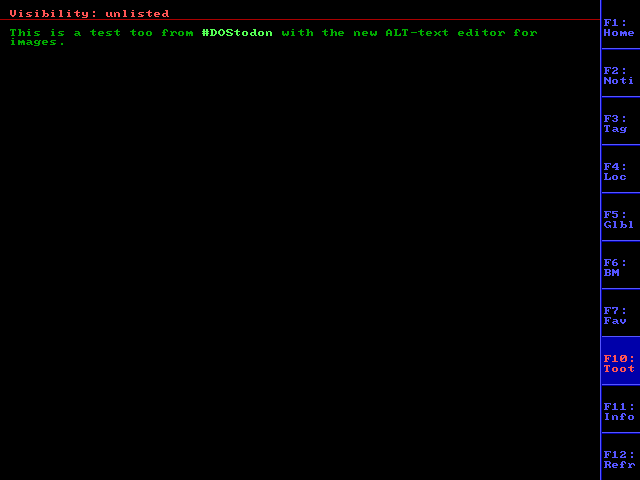
 Commodore 64
 Commodore Amiga
 MS-DOS
 MVS
MVS Palm OS
 Windows 95




































































 -- we can watch in real-time as different servers begin flipping over to the new provider.




 Android Apps



























![Screenshot, probably from tumblr----
© swaggersbackto-theimpala
I JUST REALIZED WE DON’T EVEN KNOW WHAT DINOSAURS SOUND LIKE! THEY COULD’VE BEEN SPEAKING FLUENT GERMAN FOR ALL WE KNOW
[Mir ist gerade aufgefallen, dass wir nicht einmal wissen, wie Dinosaurier klingen! Sie hätten auch fließend Deutsch sprechen können.]
@democracykills
it’s too early for this
[Dafür ist es noch zu früh]
@redvinesgiraffe
GUTEN MORGEN HERR PTERODACTYL
@fieldbears
WIE GEHTS FRAU MASTADON
@marvelous-freeman
Oh my god neither of those are dinosaurs and there’s 145 million years separating them both, this post is a palaeontological disaster.
[Oh mein Gott, keiner von beiden ist ein Dinosaurier, und zwischen ihnen liegen 145 Millionen Jahre. Dieser Beitrag ist eine paläontologische Katastrophe.]](https://media.infosec.exchange/infosec.exchange/media_attachments/files/114/219/442/043/998/217/original/be624e25d661ace9.png)
























































 Our instance has been updated to the latest version: 4.3.6.















































 " 30 times a day.









 St. Paulianer? Sign up hier: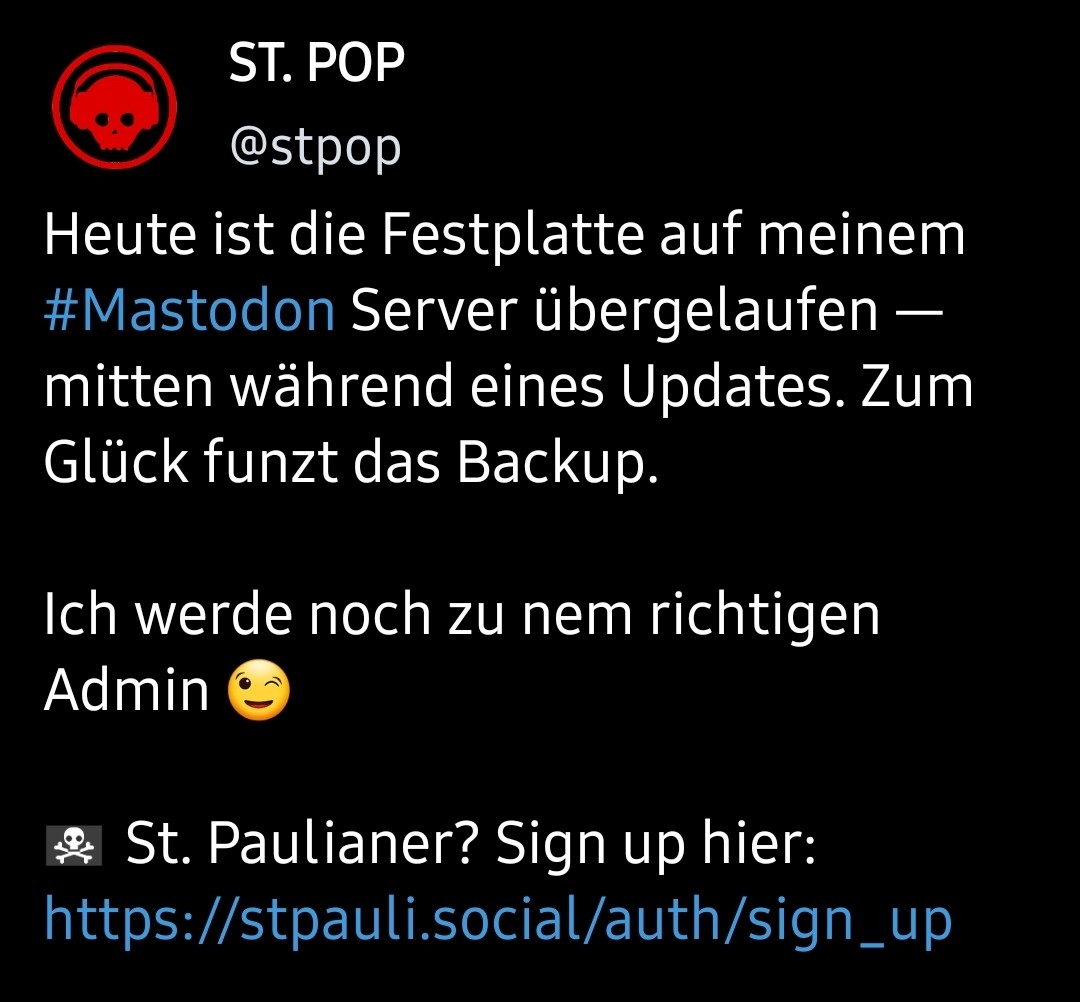






























 Shlee travelled around &





















![植月 のぞみ[Nozomi UETSUKI]'s avatar](https://media.songbird.cloud/accounts/avatars/110/718/492/668/465/114/original/8f5314a1fd2835cf.png)














































 💾
💾


























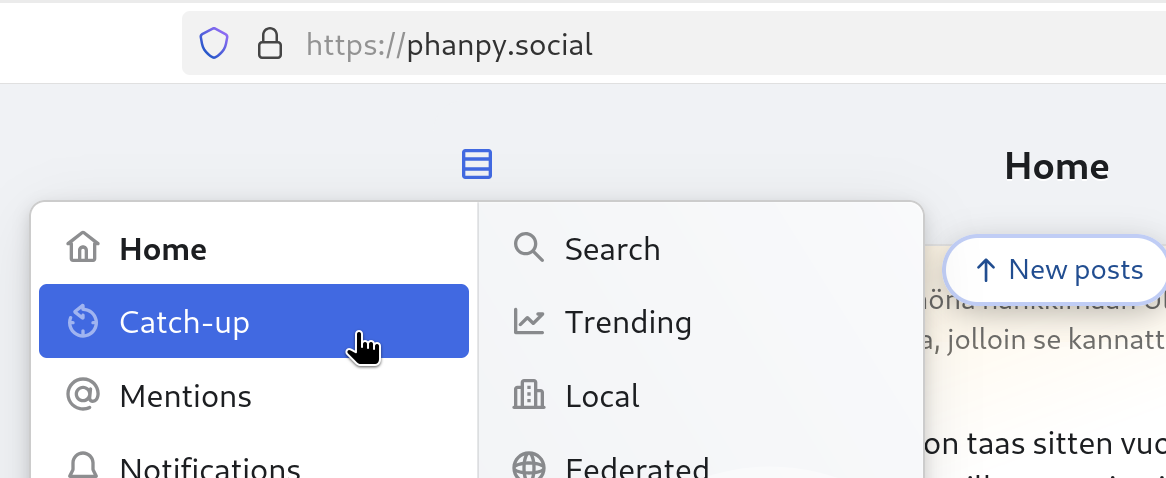
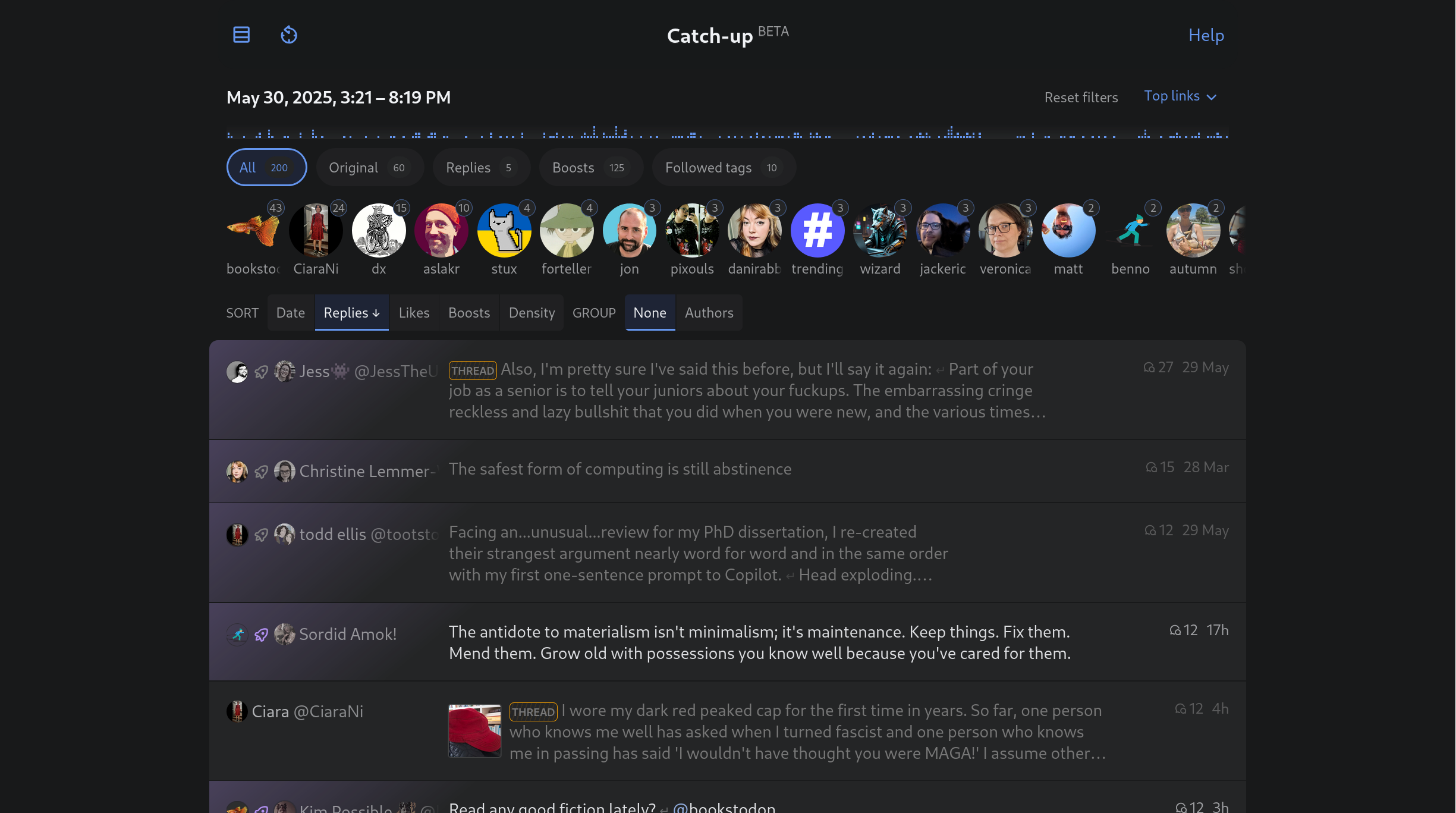
![Catch-up (BETA): downloads several hours worth of your home feed and then provides multiple ways to sort, group and filter them.
Choose what kind of posts to show:
All / Original / Replies / Boosts / Followed tags
Sort them by (each can be reversed):
Date / Replies / Likes / Boosts / Density [= post length?]
Group them by:
None / Authors
On the top the page also displays various statistics, such as number of posts per followed account. (I have censored most names and profile pictures.)](https://media.mementomori.social/media_attachments/files/113/554/497/490/578/580/original/b00a56b26e70c0b6.png)



































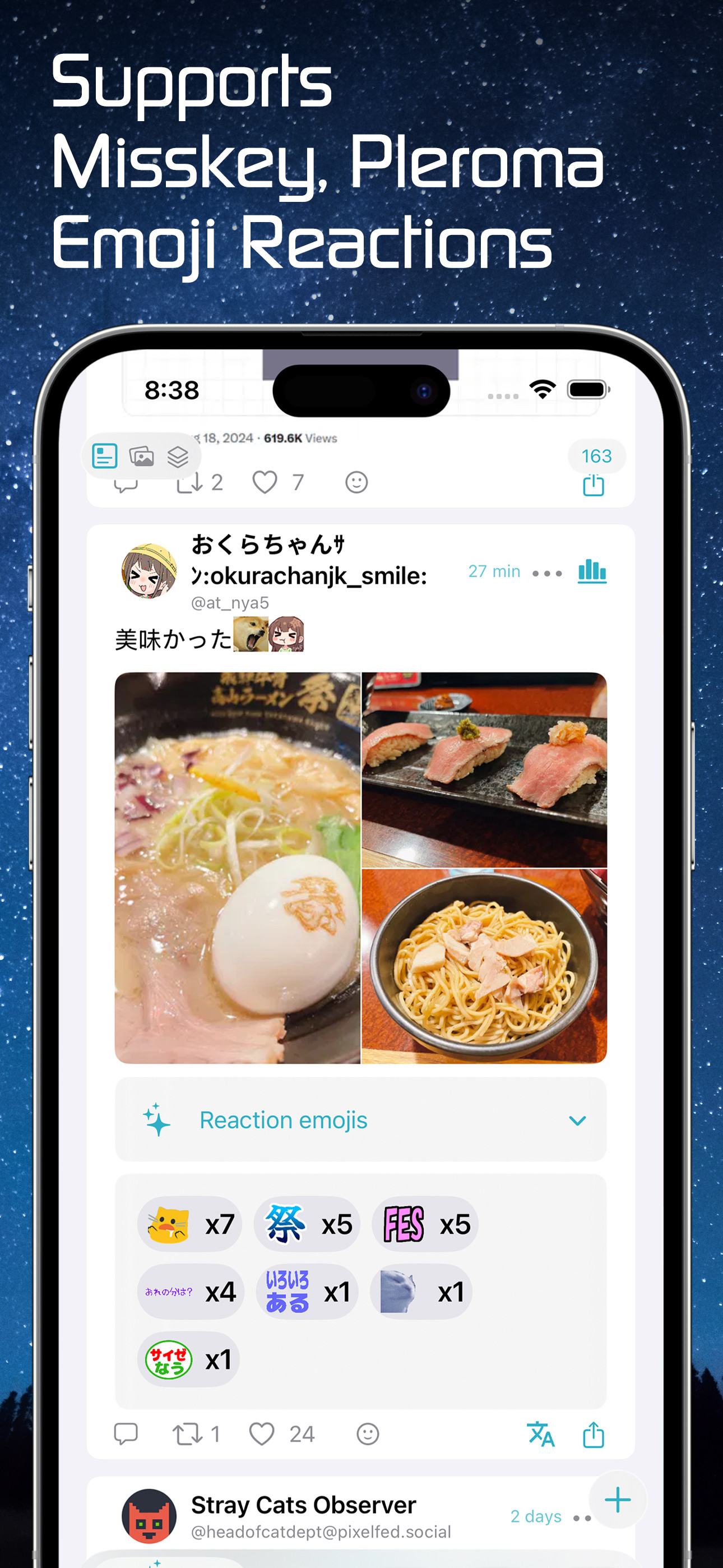
 These emoji are visible to other servers so everyone can see them, but only people on a particular server can post them.



































































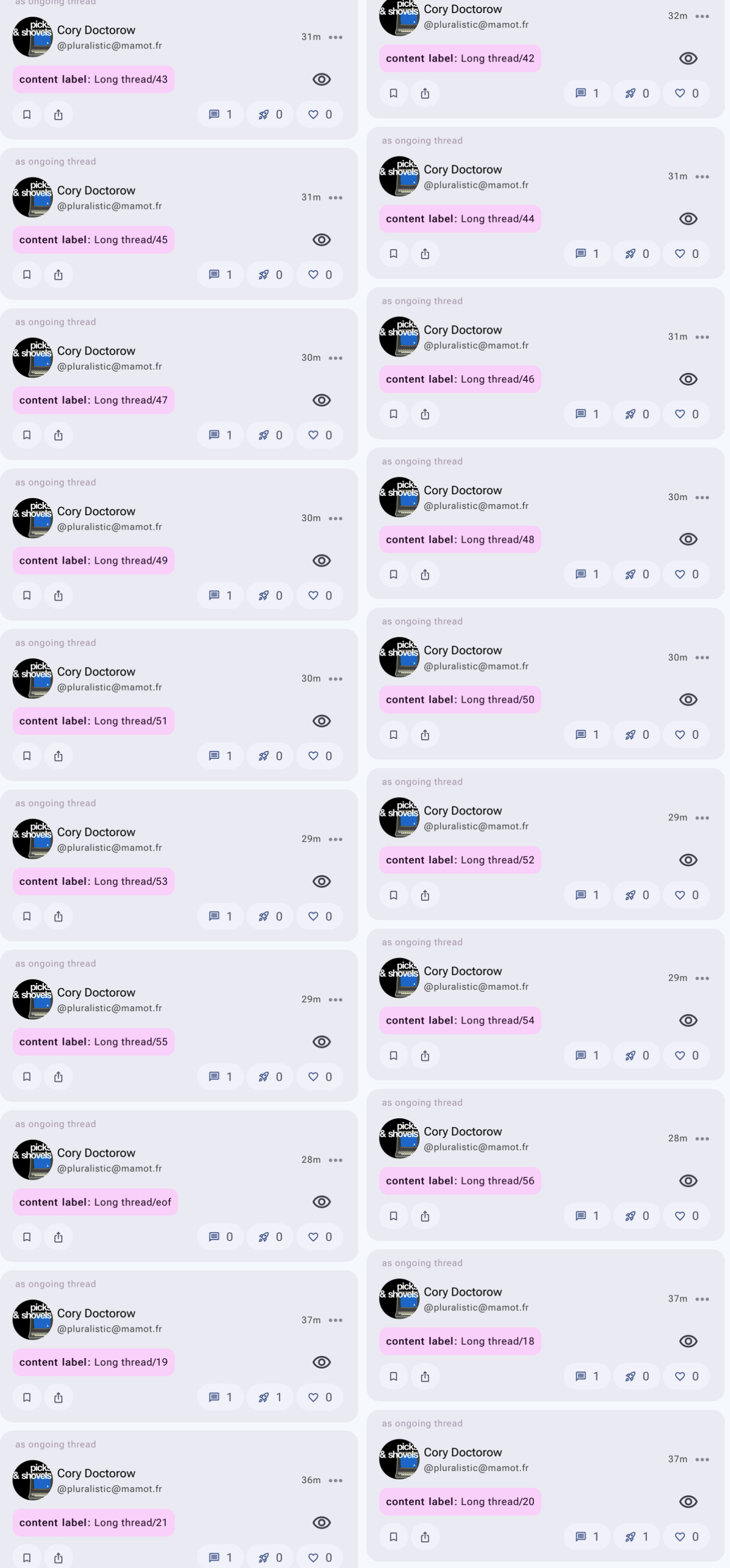
 En gros, il apparaît sur tous les pouets où l'auteur ou l'autrice a répondu directement à son propre pouet, ou est la réponse à un de ses propres pouets, créant de facto un thread/fil.




 that will benefit the entire
















































































 が
が 






 Se achar longo, leia as 3 primeiras dicas e salve. Mas LEIA o resto!
  É bem importante
  Cuidem da sua bio
  Coloquem uma foto, escrevam um textinho, mesmo que simples. Botem boas informações como gostos e hobbies no perfil
  E uns toots (postagens) não fazem mal a ninguém, assim sai confundido com um 🤖
  Faça a sua
  Essa
Essa  , então aproveite!
 O
O  Deixe sua linha do tempo bem viva! Além de seguir pessoas, é bom seguir e usar
  Conheça as várias @TagsBR que acontecem semanalmente
 Também que podemos seguir e interagir com timelines de outras instâncias também. Muito bão isso
 Abaixo (links) tem ótimas listagens de instâncias brasileiras (e até latino-americanas). Lembrem que SEMPRE pode mudar de servidor. Seu servidor, sua instância faz MUITA DIFERENÇA na sua experiência aqui no

 Use e teste diferentes aplicativos para ver o que mais gosta. Já usei vários e recomendo o
  Postou uma imagem, um gif ou um vídeo, coloque o texto alternativo. Isso é bem importante e valorizado por aqui. Eu mesmo só dou boost se tiver texto alternativo. Outra dica importante é descrever sua foto e capa do perfil
 O
O 
 Além da






























































































![Jux [GD] 🏳️⚧️ Cataclysm 81%'s avatar](https://storage.catodon.social/uploads/a202dd60-2665-4b80-9888-8a859eae2372.png)



















 でも
でも 






























































 wenigstens




 🔰
🔰




































 .dev
.dev


































































 しゅいろ
しゅいろ
































































![A comparison of a notice shown to Mastodon users when replying to a post from another server.
Bottom screenshot, with shortened description:
Reply to foo's post
To continue, you need to reply from your account
[input box with a placeholder text "E.g. username@mastodon.social" and a button labeled "Go"]
Don't have an account yet? [link labeled "Create account"]
Top screenshot, current version: the notice contains a long explanation:
Reply to Stefan Bohacek's post
With an account on Mastodon, you can respond to this post. You are not logged in to this server. Where is your account hosted?
[input field labeled with "Domain of your home server, e.g. mastodon.social"]
[button labeled with "Take me home"]
Tip: That's the website where you signed up. If you don't remember, look for the welcome e-mail in your inbox. You can also enter your full username! (e.g. @Mastodon@mastodon.social)
Not on Mastodon? Create account](https://sbonline.nyc3.digitaloceanspaces.com/media_attachments/files/113/668/494/807/351/355/original/3577054a3aaeccaf.png)















 っていう
っていう 







' d='M317 381q-124 28-123-39 69 15 149 2 67-13 72-80 3-101-3-116-19-49-72-58-98-10-162 0-56 10-75 58-12 31-3 147 3 32 9 53 13 46 70 69 83 23 138-9'/%3E%3Cpath d='M360 293h-36v-93q-1-26-29-23-20 3-20 34v47h-36v-47q0-31-20-34-30-3-30 28v88h-36v-91q1-51 44-60 33-5 51 21l9 15 9-15q16-26 51-21 43 9 43 60'/%3E%3C/svg%3E)


























































 and blob emojis
 !
!






 💚
💚 































 completely for free, all day long!












































































































 male.
male.
















![[moved] Floppy 💾's avatar](https://cdn.fosstodon.org/accounts/avatars/000/126/617/original/8ee710372071c74d.png)



















































 Devol
Devol 


 Italia





 -
-


















































 🇵🇸 🇲🇲 🇺🇲























































































































































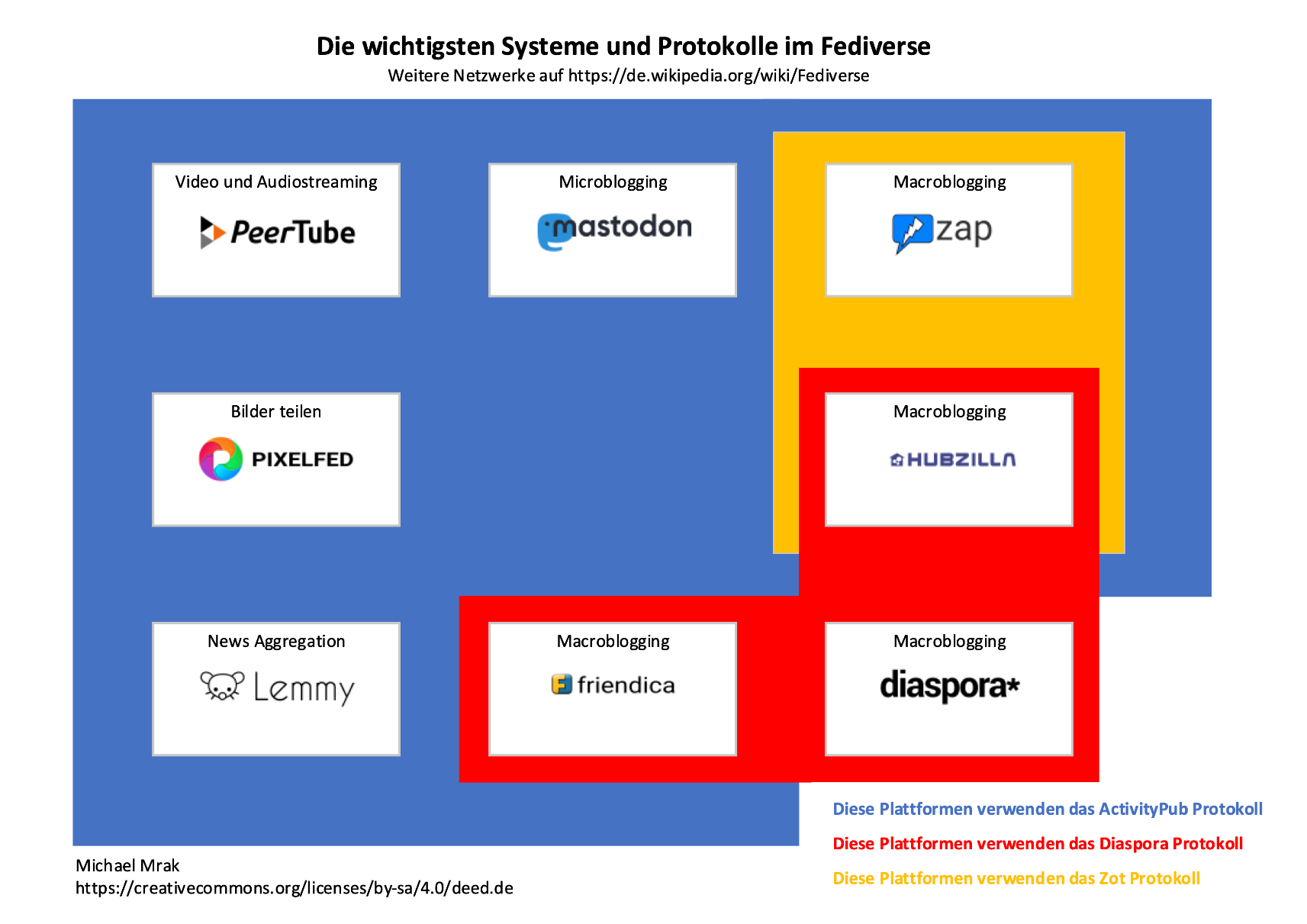

























































































































































































































































 Commodore


 seguici sul gruppo:



























































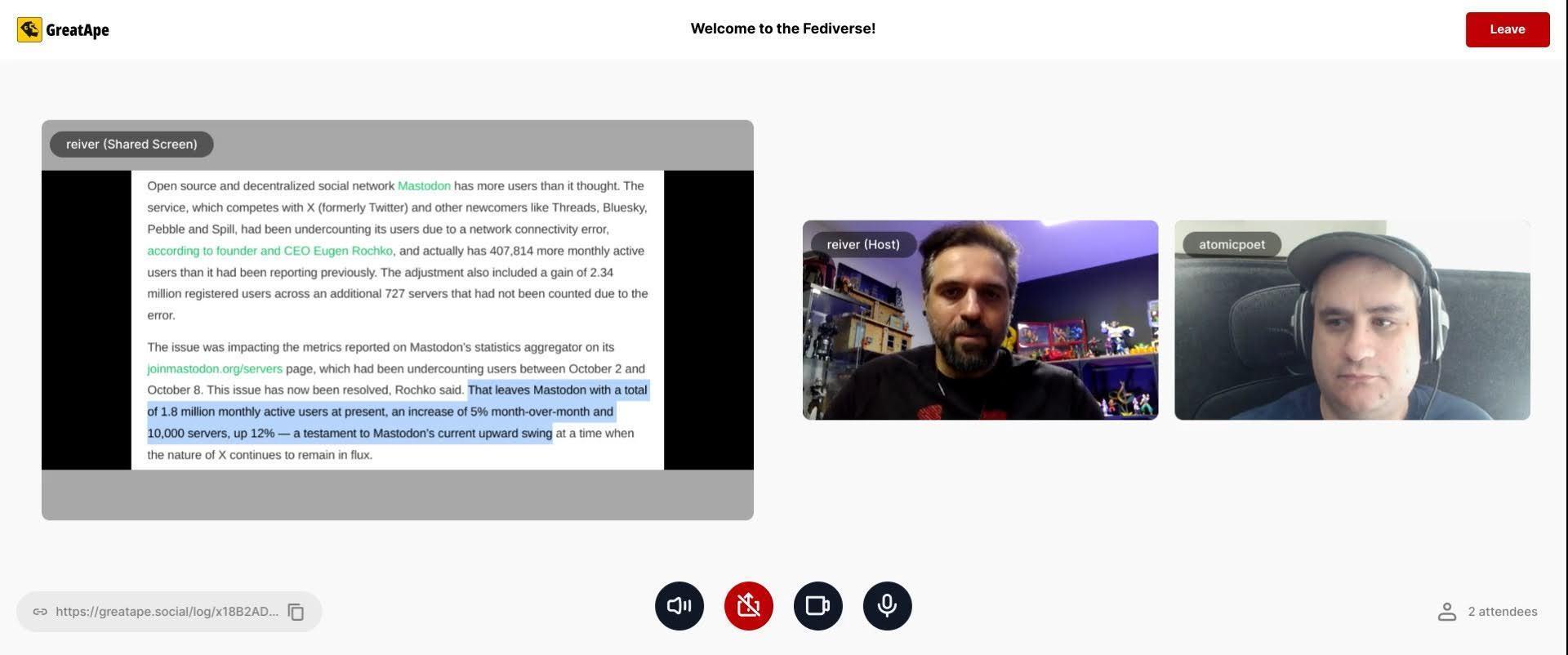
![ATOMICPOET:
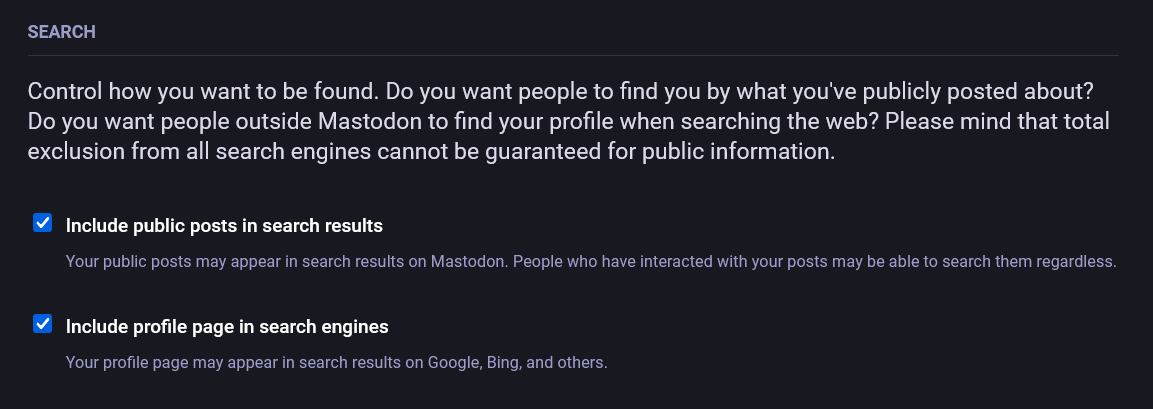
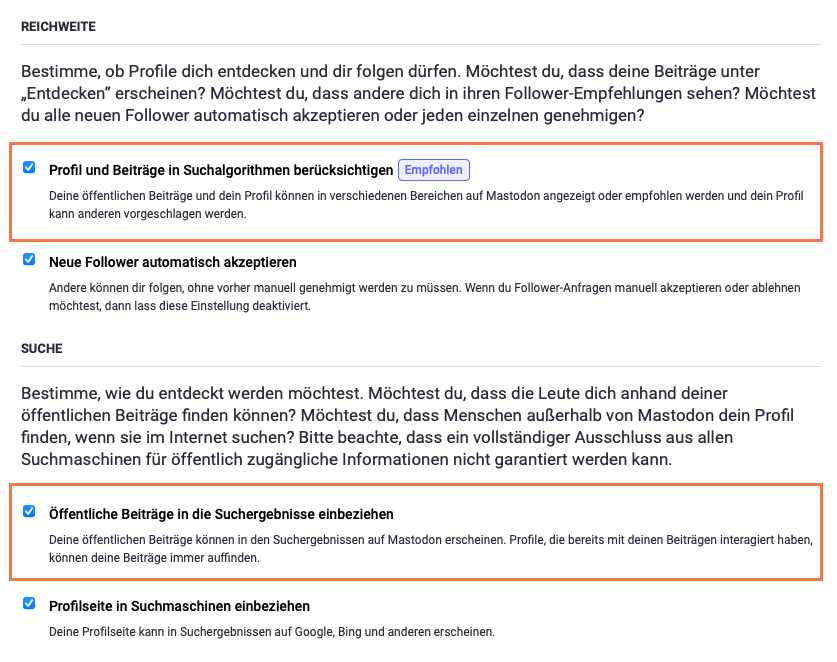
"[some] people believe their posts [on the Fediverse] aren't discoverable because when you do a search for them on Mastodon you can't find them."
"But — here's the problem. Google still indexes those posts. And people really only discover that — really after the fact, right? I've had a number of people talk to me and they've said to me — "hey can you remove stuff from your server because Google is indexing that stuff", right?"
"And — this is a problem with the Fediverse. The Fediverse exists It exists because — well, federation means you're copying stuff from one server to another server, right?"
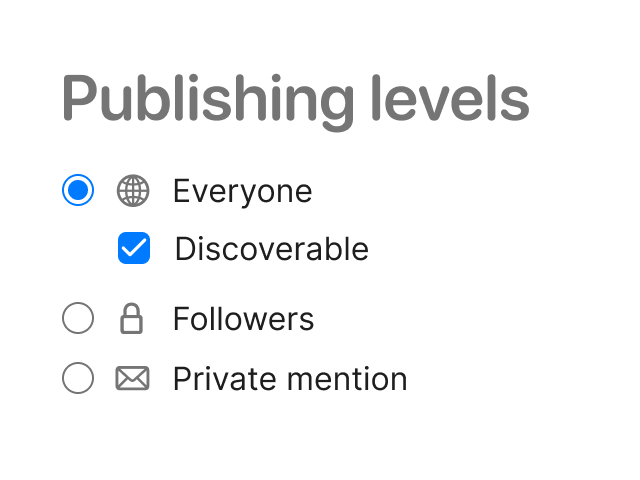
"And if you've opted to — there's different levels of visibility on the Fediverse, right? So there's obviously "direct", in which you send a message and only one person — the person you tag — actually only the people you tag see those messages. Those are, those are direct visibility. The next one is "followers only" — So only people who follow you can see your posts, right?Okay. And then there is "unlisted" where you don't have to be a follower to see a post, but it does not show up in public timelines. Okay.
" Now, so far so good — the final rung of visibility is "public", right? I've had a lot of people send public posts on the Fediverse and they believe that they're not being indexed. But unfortunately they are. And you know, it's hard to explain to these people, to a lot of people how, you know — simply how privacy works because — I get the sense quite ..."](https://media.social.fedify.dev/media/019834db-e43c-79d7-a047-73566ebd3ad7/thumbnail.webp)






 ⚠️ •
⚠️ •  !
! !
! !
! !
! !
! !
! !
!




















 Shalien













































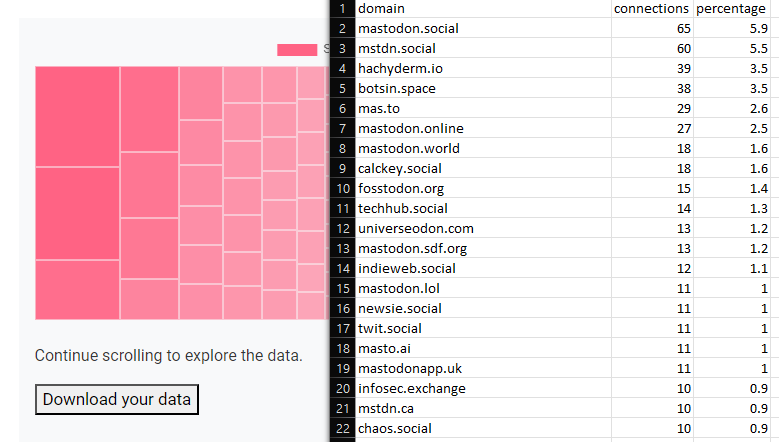


















 swimming in his bird Bath. 🛁🫧
























![pinkprius [ger]'s avatar](https://fediver.de/system/accounts/avatars/109/396/067/486/645/763/original/b93a68741bc71348.png)





































 GNU
GNU 















 @SparkyLinux@mastodon.social



























 ⏚
⏚
















 🇫🇷🇩🇪
🇫🇷🇩🇪

























































 Neocities / Site Web