

First, I'm adding custom emoji support to

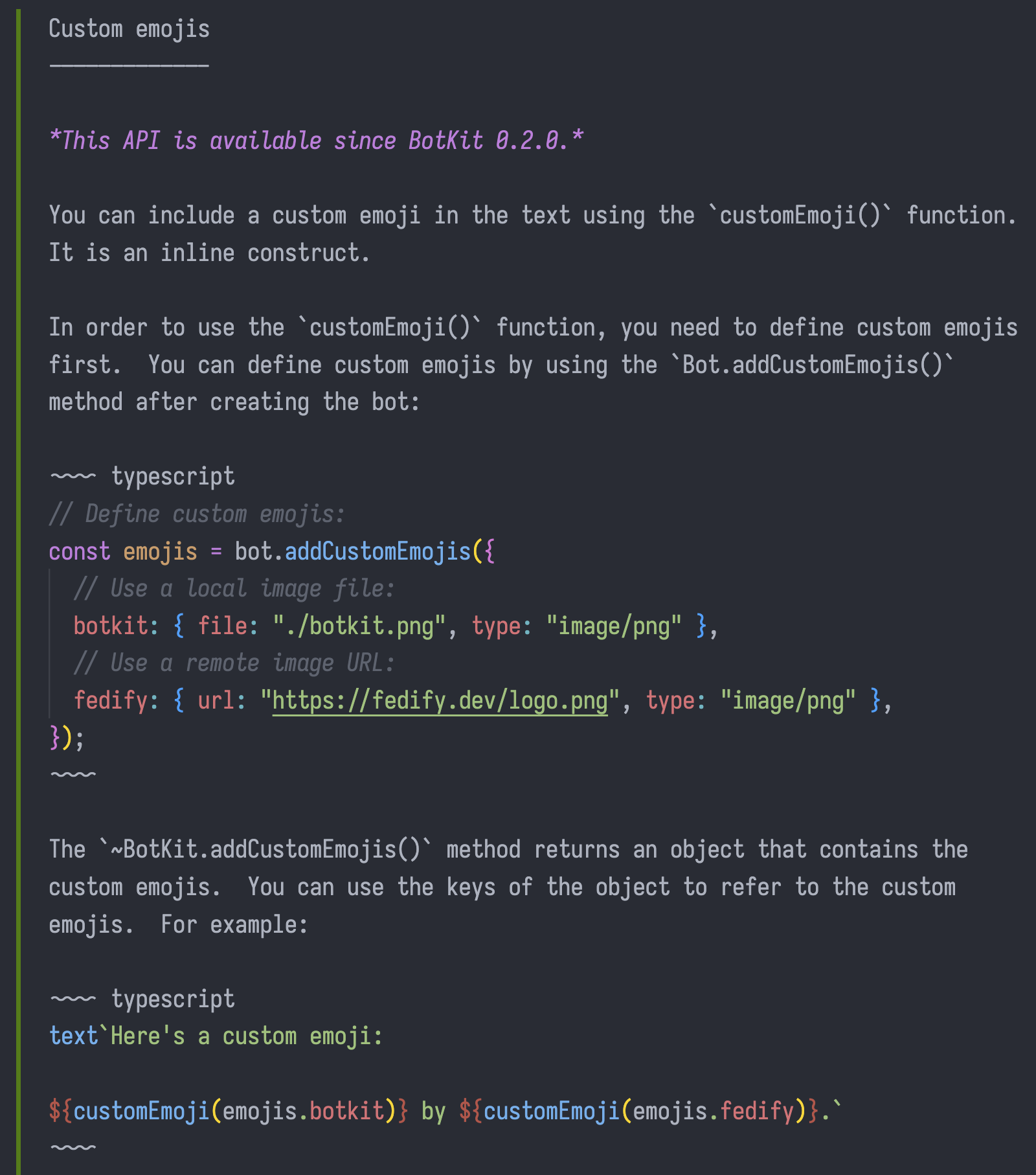
Custom emojis
-------------

*This API is available since BotKit 0.2.0.*

You can include a custom emoji in the text using the `customEmoji()` function.
It is an inline construct.

In order to use the `customEmoji()` function, you need to define custom emojis first.  You can define custom emojis by using the `Bot.addCustomEmojis()` method after creating the bot:

~~~~ typescript
// Define custom emojis:
const emojis = bot.addCustomEmojis({
  // Use a local image file:
  botkit: { file: "./botkit.png", type: "image/png" },
  // Use a remote image URL:
  fedify: { url: "https://fedify.dev/logo.png", type: "image/png" },
});
~~~~

The `~BotKit.addCustomEmojis()` method returns an object that contains the custom emojis.  You can use the keys of the object to refer to the custom emojis.  For example:

~~~~ typescript
text`Here's a custom emoji:

${customEmoji(emojis.botkit)} by ${customEmoji(emojis.fedify)}.`
~~~~
ALT text

Custom emojis ------------- *This API is available since BotKit 0.2.0.* You can include a custom emoji in the text using the `customEmoji()` function. It is an inline construct. In order to use the `customEmoji()` function, you need to define custom emojis first. You can define custom emojis by using the `Bot.addCustomEmojis()` method after creating the bot: ~~~~ typescript // Define custom emojis: const emojis = bot.addCustomEmojis({ // Use a local image file: botkit: { file: "./botkit.png", type: "image/png" }, // Use a remote image URL: fedify: { url: "https://fedify.dev/logo.png", type: "image/png" }, }); ~~~~ The `~BotKit.addCustomEmojis()` method returns an object that contains the custom emojis. You can use the keys of the object to refer to the custom emojis. For example: ~~~~ typescript text`Here's a custom emoji: ${customEmoji(emojis.botkit)} by ${customEmoji(emojis.fedify)}.` ~~~~

1 quote

@hongminhee@hackers.pub

For my library and CLI projects, I've been writing documentation before writing any code. It helps me imagine the final interface early on, which usually leads to better design. Sure, sometimes I miss implementation details and have to revise later, but hey—it's just docs. Docs are easy to change.

This tiny habit has surprisingly big payoffs. When I focus on how things will be used rather than how they'll be built, I end up with interfaces that actually make sense.

Anyone else do this? Curious about your experience with documentation-first approaches.

hollo.social

First, I'm adding custom emoji…

First, I'm adding custom emoji support to #BotKit…
First, I'm adding custom emoji support to

Custom emojis
-------------

*This API is available since BotKit 0.2.0.*

You can include a custom emoji in the text using the `customEmoji()` function.
It is an inline construct.

In order to use the `customEmoji()` function, you need to define custom emojis first.  You can define custom emojis by using the `Bot.addCustomEmojis()` method after creating the bot:

~~~~ typescript
// Define custom emojis:
const emojis = bot.addCustomEmojis({
  // Use a local image file:
  botkit: { file: "./botkit.png", type: "image/png" },
  // Use a remote image URL:
  fedify: { url: "https://fedify.dev/logo.png", type: "image/png" },
});
~~~~

The `~BotKit.addCustomEmojis()` method returns an object that contains the custom emojis.  You can use the keys of the object to refer to the custom emojis.  For example:

~~~~ typescript
text`Here's a custom emoji:

${customEmoji(emojis.botkit)} by ${customEmoji(emojis.fedify)}.`
~~~~
ALT text

Custom emojis ------------- *This API is available since BotKit 0.2.0.* You can include a custom emoji in the text using the `customEmoji()` function. It is an inline construct. In order to use the `customEmoji()` function, you need to define custom emojis first. You can define custom emojis by using the `Bot.addCustomEmojis()` method after creating the bot: ~~~~ typescript // Define custom emojis: const emojis = bot.addCustomEmojis({ // Use a local image file: botkit: { file: "./botkit.png", type: "image/png" }, // Use a remote image URL: fedify: { url: "https://fedify.dev/logo.png", type: "image/png" }, }); ~~~~ The `~BotKit.addCustomEmojis()` method returns an object that contains the custom emojis. You can use the keys of the object to refer to the custom emojis. For example: ~~~~ typescript text`Here's a custom emoji: ${customEmoji(emojis.botkit)} by ${customEmoji(emojis.fedify)}.` ~~~~